Make.com Tutorial: Build Your First Workflow in 5 Minutes
Zero-coding Make.com beginner's guide. Import blueprints, master modules, apps, and actions. Learn troubleshooting and AI model switching.
Ready to automate?
Start building this workflow with Make.com — free forever on the starter plan.
Overview
This is a Make.com beginner’s guide for complete beginners.
Run your first automated workflow in 5 minutes by importing a ready-made blueprint:
- Register Account - Quick registration with Google account
- Import Blueprint - Load preset workflow JSON
- Configure Connections - Set up API authorization for each module
- Run Test - Verify workflow runs correctly
- Troubleshooting - Learn to check and fix issues
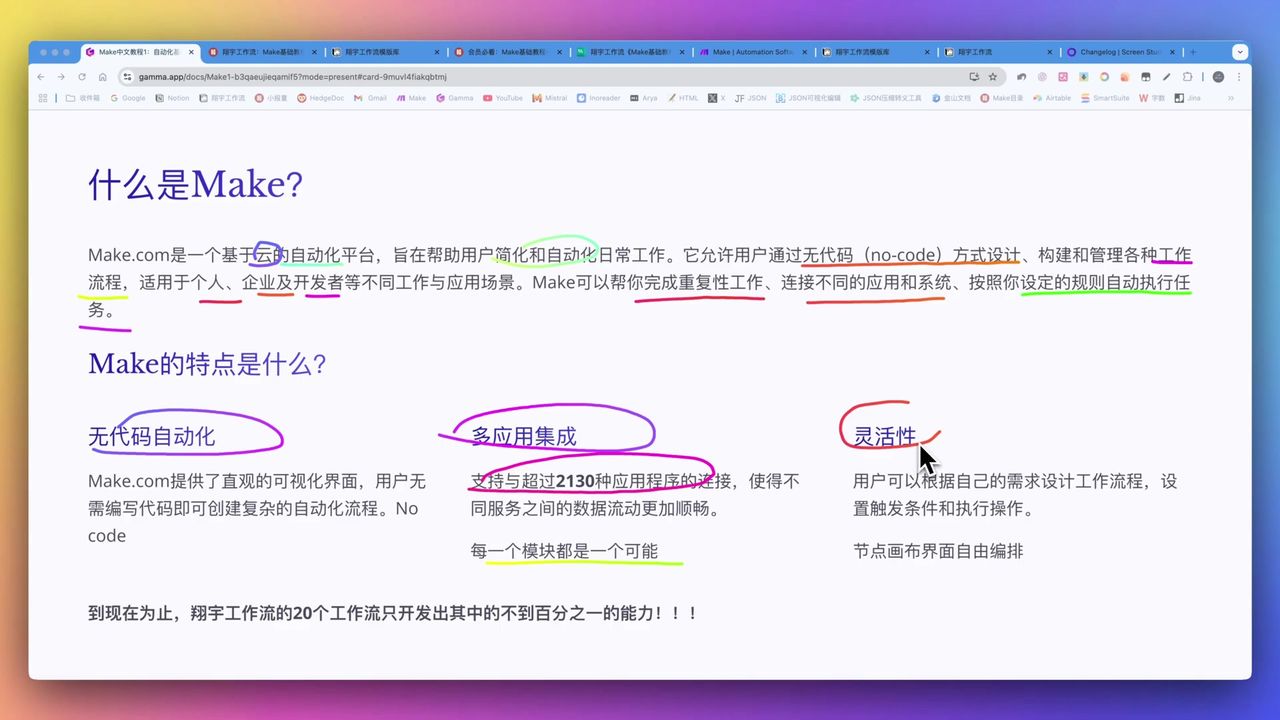
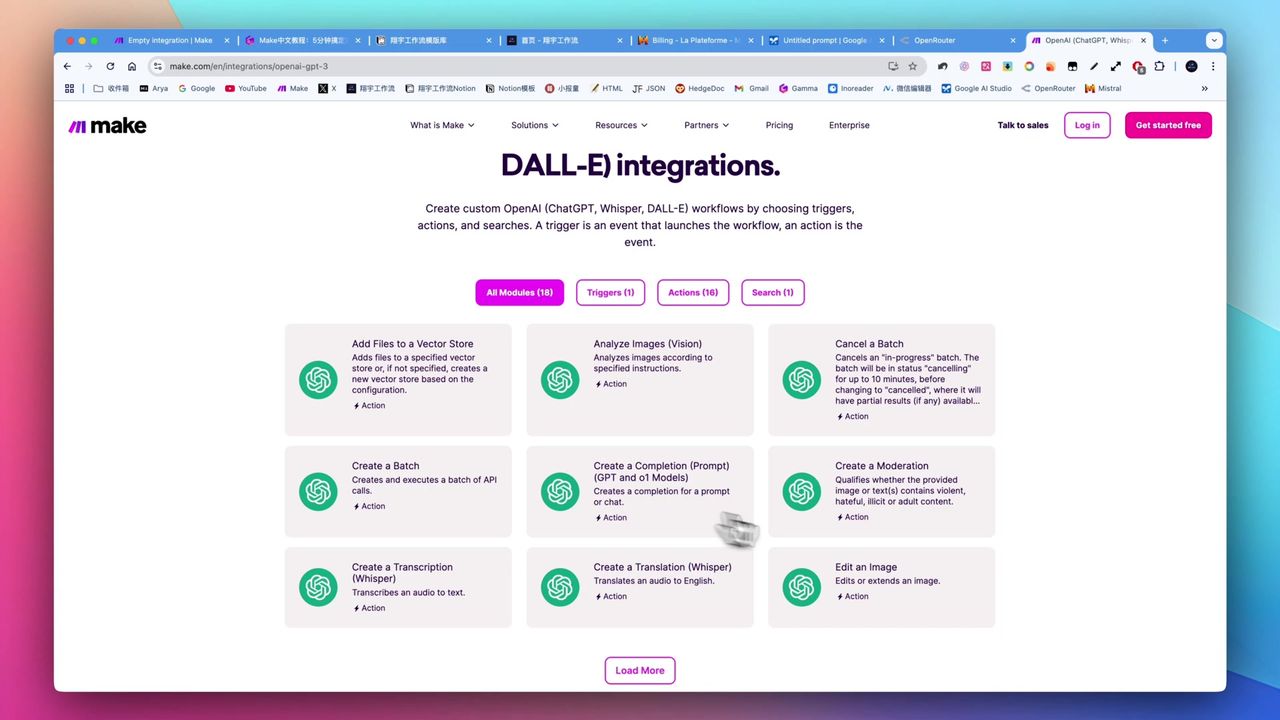 Make supports over 2000 app integrations
Core Decision Factors
When choosing a no-code automation platform, consider:
- Integration Count - Number of supported third-party services
- Ease of Use - Intuitiveness of interface and learning curve
- Feature Depth - Can it handle complex multi-step logic
- Cost-Effectiveness - Free quota and operation costs
- Modular Design - Flexibility in workflow building
Technical Specifications
| Specification | Value | Notes |
|---|---|---|
| Integrated Apps | 2000+ | Covers mainstream SaaS services |
| Module Count | 2231 | Standardized functional units |
| Free Operations | 1000/month | New user free quota |
| Complex Workflow Cost | 2000-3000 ops | Development/debug consumption |
| Notion Field Limit | ~2000 characters | Main text field |
Prerequisites
Before starting, ensure you have:
- A Google account (for quick registration)
- Basic browser operation skills
- About 30 minutes for learning
Core Concepts
What is Make?
Make.com (formerly Integromat) is a visual no-code automation platform. Think of it as a “digital assembly line” that lets different apps and services automatically collaborate to complete tasks.
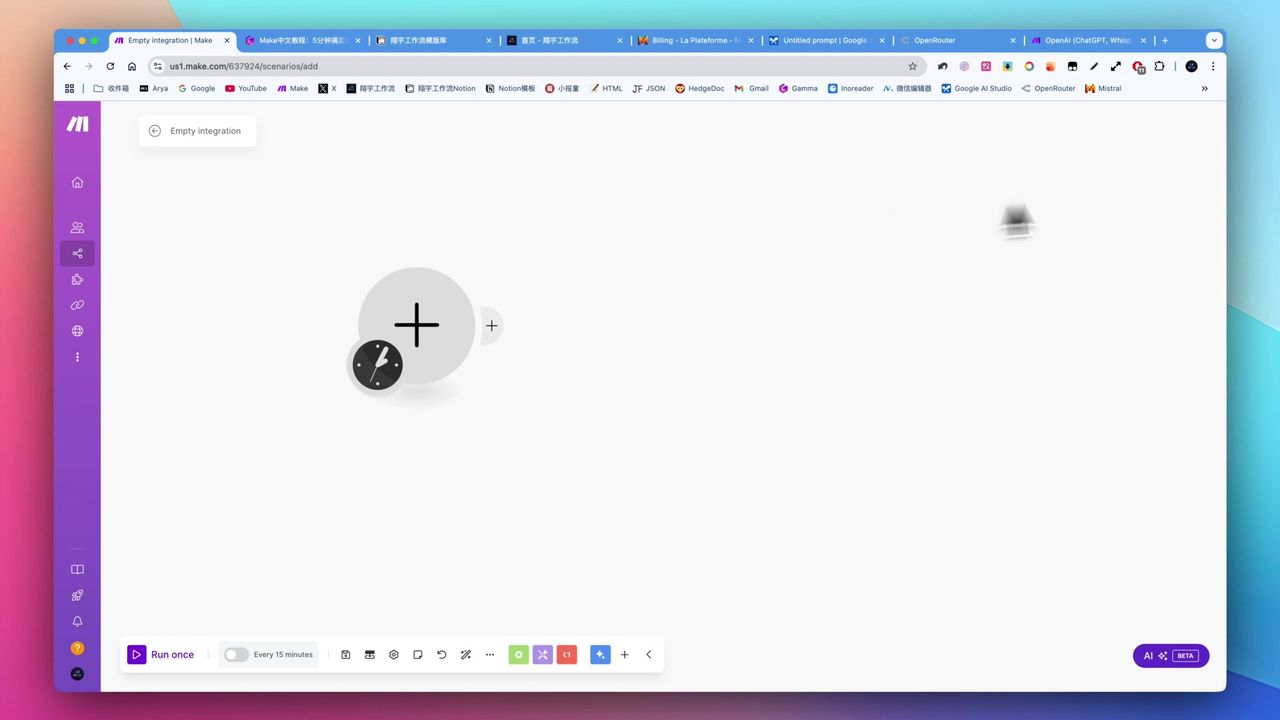 Make’s drag-and-drop workflow building interface
Core Terms
- Scenario - A complete automated workflow
- Module - A single operation unit in the workflow
- App - Third-party service (like Notion, OpenAI)
- Action - Specific operation a module executes
- Connection - Authorization relationship between module and service
- Blueprint - Importable workflow JSON file
Quick Start
Step 1: Register Make Account
- Visit make.com
- Quick registration with Google account
- Get 1000 free monthly operations
Step 2: Import Blueprint
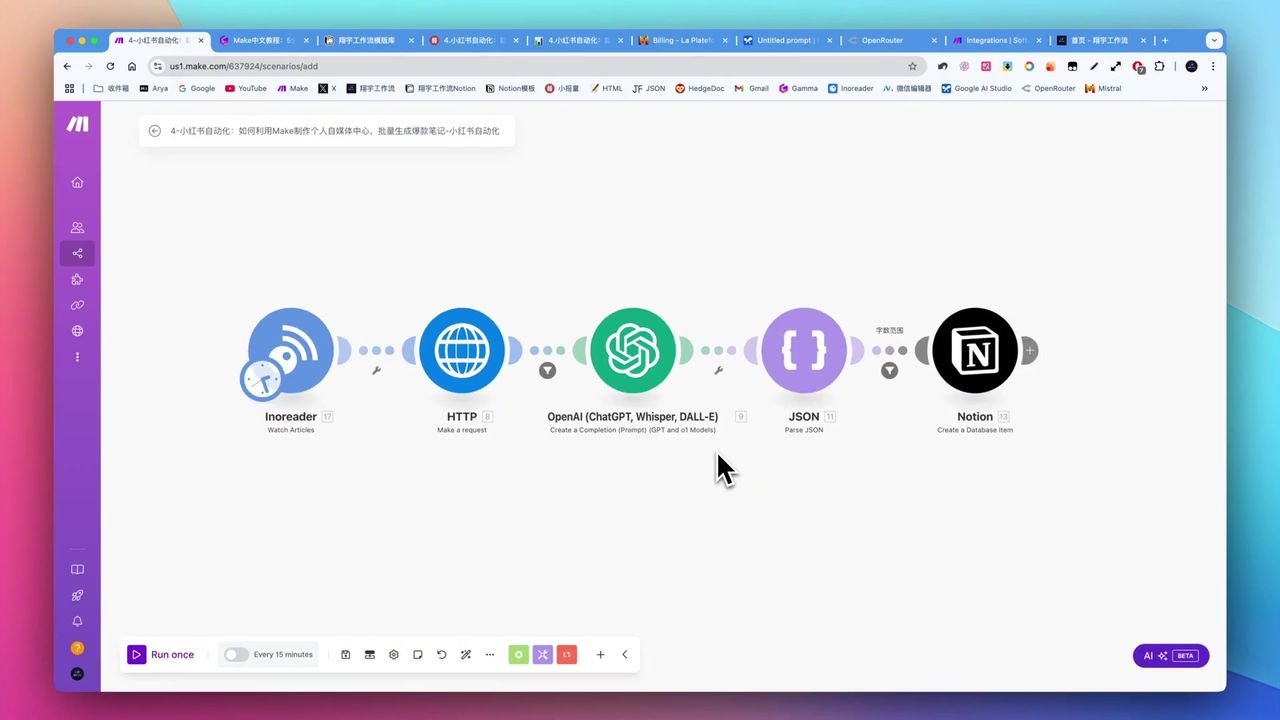 Import JSON workflow file
- Create new scenario
- Click import button
- Select blueprint JSON file
- Workflow loads automatically
Note: All modules show exclamation marks after import - this is normal, indicating connections need configuration.
Step 3: Configure Module Connections
Click each module to complete authorization:
- RSS Module - No authorization needed, just configure source URL
- OpenAI Module - Requires API Key
- Notion Module - Requires OAuth authorization and database selection
Step 4: Run Test
 View module input/output for troubleshooting
- Click “Run once” to execute
- Check each module’s output data
- Confirm data flows correctly
Troubleshooting
RSS Module Has No Data
Issue: First run produces no data
Cause: Default only processes new data after import
Solution: Change trigger mode from “From now on” to “All”
Notion Write Fails
Issue: Content exceeds character limit
Cause: Notion text field limits ~2000 characters
Solution:
- Use text truncation function
- Switch to Append module to save to page body
API Authorization Error
Issue: Module shows 401 error
Cause: Invalid API Key or expired authorization
Solution: Reconfigure connection and verify credentials
Advanced: Switching AI Models
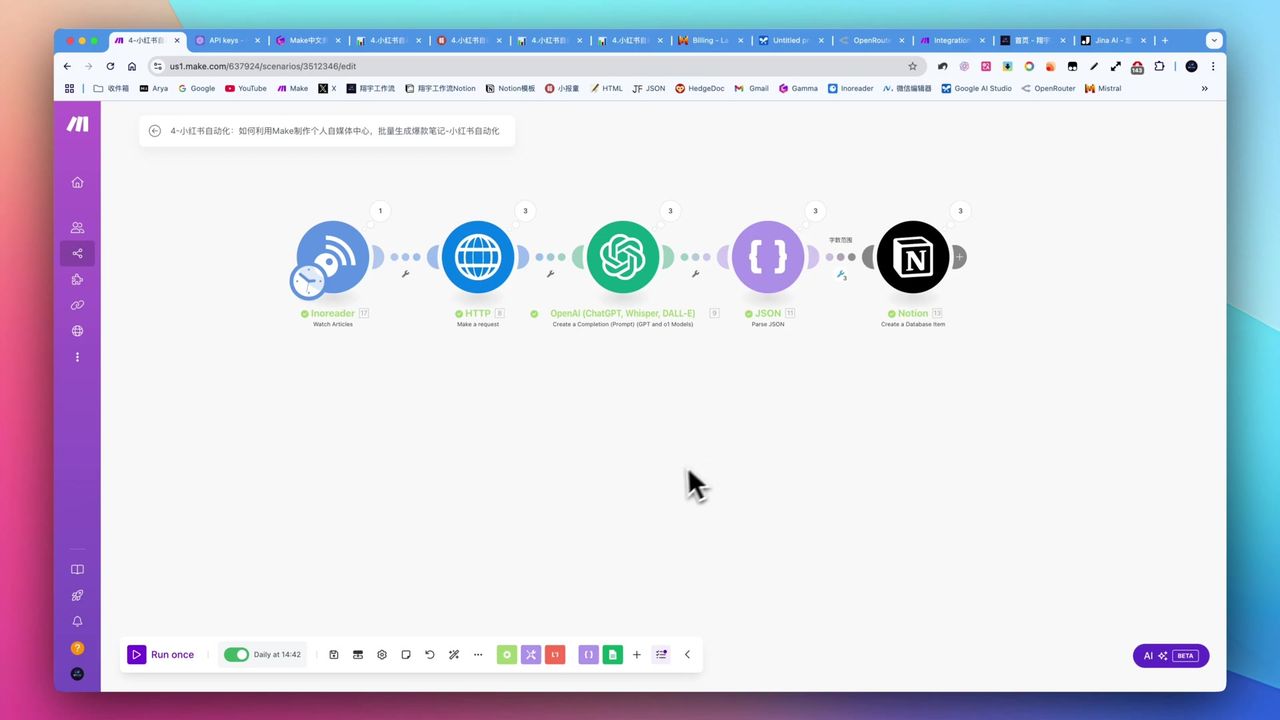 Integrate OpenRouter for multi-model switching
Make supports integrating multiple AI models:
- OpenAI - GPT-4o, GPT-4o Mini, etc.
- OpenRouter - Aggregates multiple model providers
- Claude - Anthropic’s models
- Gemini - Google’s models
Cost Optimization Tips:
- Simple tasks use GPT-4o Mini (under $10 per million tokens)
- High-requirement tasks use Claude or GPT-4o
- OpenRouter supports free models (but less stable)
Important Notes
Things to note when using Make:
-
Development Cost - Debugging complex workflows consumes many operations, may exceed free quota
-
Free Models Unstable - Free models on OpenRouter may error or not support structured output
-
Structured Output Limitations - Some models don’t natively support JSON output, need extra processing
-
Field Character Limits - Services like Notion have character limits, must consider in design
Use Cases
Recommended For
- Content Creators - Automate content generation for social media
- Digital Marketers - Batch process data and auto-publish
- Productivity Enthusiasts - Automate repetitive tasks
- No-Code Developers - Quickly build automation solutions
May Not Suit
- Senior developers needing ultimate performance and low-level control
- Users completely uninterested in learning new tools
- Scenarios with massive task volume but extremely limited budget
FAQ
What’s Make.com’s free quota?
New users get 1,000 free operations per month, enough for learning and building basic workflows.
What do I need to do after importing a blueprint?
Each module’s connection (API Key or OAuth authorization) needs to be reconfigured. This is a necessary step after importing blueprints.
Why does RSS module have no data?
By default it only processes new data after import. Change trigger mode from “From now on” to “All” to get historical data.
What if Notion write fails?
Content may exceed 2000 character limit. Need to truncate text or use Append module to save content to page body.
Next Steps
After mastering the basics, you can try:
- Modify existing workflows to fit your needs
- Build simple automation scenarios from scratch
- Learn more advanced features like Router, Iterator
- Explore integrations with more apps
Feel free to leave comments if you have questions!
FAQ
- What's Make.com's free quota?
- New users get 1,000 free operations per month, enough for learning and building basic workflows.
- What do I need to do after importing a blueprint?
- Each module's connection (API Key or OAuth authorization) needs to be reconfigured. This is a necessary step after importing blueprints.
- Why does RSS module have no data?
- By default it only processes new data after import. Change trigger mode from 'From now on' to 'All' to get historical data.
- What if Notion write fails?
- Content may exceed 2000 character limit. Need to truncate text or use Append module to save content to page body.
Start Building Your Automation Today
Join 500,000+ users automating their work with Make.com. No coding required, free to start.
Get Started FreeRelated Tutorials
Make.com Core Concepts: Automation Fundamentals Explained
Build YouTube Data Archive in Notion with Make.com & Apify
Auto-Classify Notion with AI Using Make.com
Automate Research Paper Summaries with Make.com
About the author
Alex Chen
Automation Expert & Technical Writer
Alex Chen is a certified Make.com expert with 5+ years of experience building enterprise automation solutions. Former software engineer at tech startups, now dedicated to helping businesses leverage AI and no-code tools for efficiency.
Credentials