Create AI Podcasts Daily with Make.com & OpenAI
Automate podcast production with Make.com, Notion & OpenAI TTS. Transform reading lists into audio briefs with zero manual intervention.
Ready to automate?
Start building this workflow with Make.com — free forever on the starter plan.
Overview
For content creators and information consumers, this is a high-value productivity solution. By connecting Notion, OpenAI (GPT-4o), and Google Drive via Make, you can automatically transform fragmented reading lists into high-quality audio podcasts.
This tutorial teaches you to build a fully automated podcast production system:
- Auto-fetch News/article list from Notion
- AI generation Podcast script copy
- Voice synthesis Generate MP3 audio files
- Auto-storage Upload to Google Drive
After completion, the system automatically generates podcasts daily with zero manual intervention!
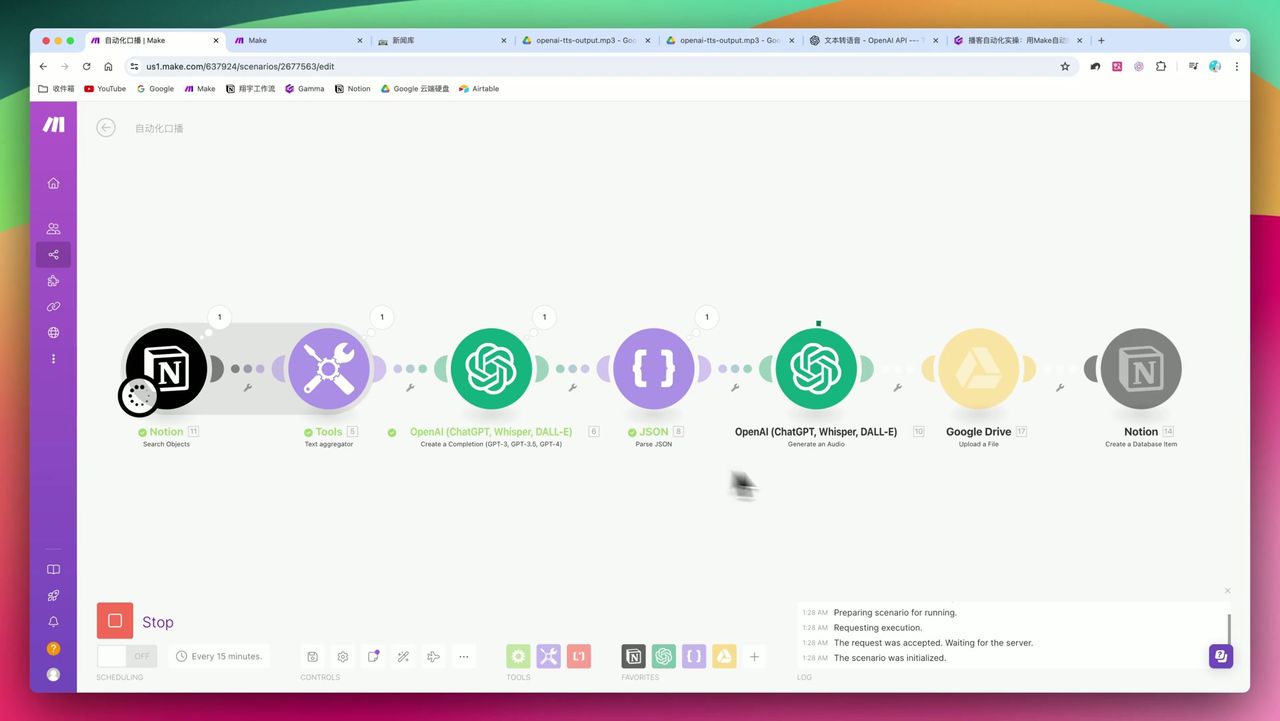 Complete automation flow from Notion to OpenAI to Google Drive
Core Decision Factors
When choosing this type of automation solution, focus on:
- Integration Depth - Does it support your existing knowledge base (like Notion) and cloud storage (like Google Drive)
- AI Model Quality - Is generated copy natural? Is TTS (voice synthesis) robotic?
- Data Structure Processing - Can it handle array aggregation and structured data (JSON)
- Extensibility - Future support for multilingual translation or distribution to different platforms
Technical Specifications
| Parameter | Setting | Notes |
|---|---|---|
| Core Model (LLM) | GPT-4o | Higher quality, suitable for core copy generation, but higher cost |
| Max Token Count | 2,000 | Reserve space for 1000-2000 word podcast scripts |
| Audio Generation Model | OpenAI TTS | Supports multiple languages, auto-generates voice based on text language |
| Audio Speed | 1.1x or 1.2x | Improve information acquisition efficiency, aligns with modern listener habits |
| Audio Format | MP3 | Strongest universality, convenient for storage and distribution |
| Single Processing Items | 3 items | For demonstrating aggregation function |
| Output Format Requirement | JSON | Force AI to output JSON for subsequent title/body splitting |
Prerequisites
Before starting, ensure you have:
- Make.com account (free registration)
- Notion account and news/article database
- OpenAI API key (for GPT-4o and TTS)
- Google Drive account (for storing audio files)
Step 1: Configure Notion Data Source
First, create or prepare an article database in Notion with these fields:
- Title (Title)
- Content Summary (Text)
- Date (Date)
- Status (Select) - like “Pending”, “Generated”
Add Notion Search module in Make, configure:
- Select your database
- Set filter conditions (e.g., date is today)
- Limit returned items (e.g., 3 items)
Step 2: Use Text Aggregator to Aggregate Data
This is a crucial step in the process where many beginners get stuck.
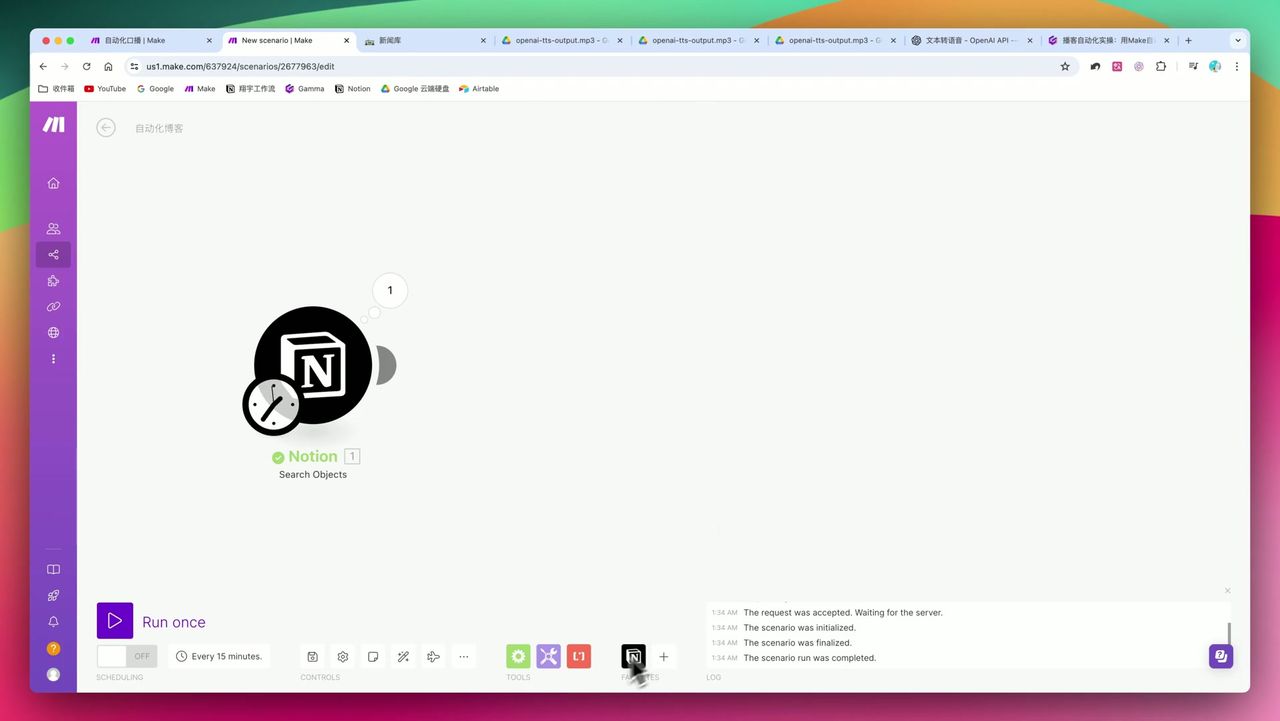 Aggregating multiple Notion data into one text block
Why Need Aggregation?
Without Aggregator, each Notion data item triggers separate OpenAI calls, causing:
- API called multiple times wastefully, wasting costs
- Generated podcasts are fragmented, lacking coherence
Configuration Steps:
- Add Text Aggregator module
- Set source module as Notion Search
- Define aggregation format, like:
Title: {{title}}\nSummary: {{summary}}\n\n
Step 3: Configure OpenAI to Generate Podcast Script
This is the core technical point: controlling AI output format through Prompt Engineering.
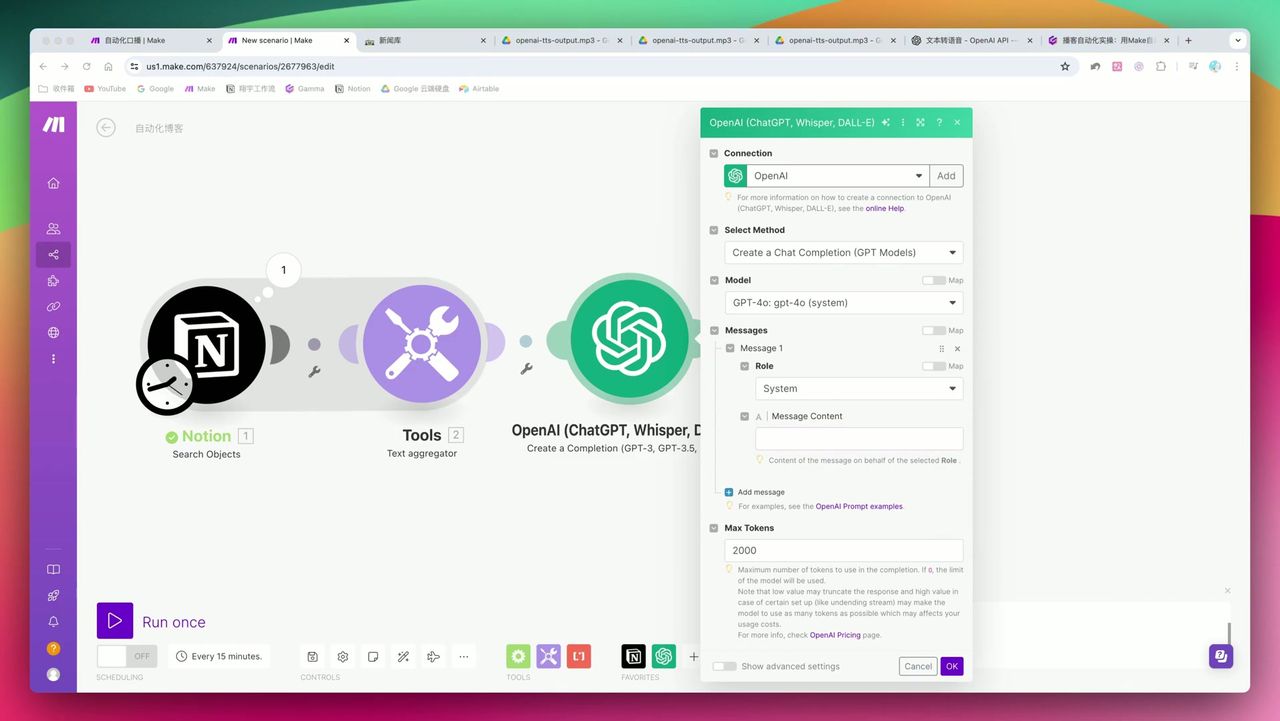 System role definition and JSON format mandatory requirements
Prompt Design Points
System Role:
You are a professional podcast host, skilled at transforming news information into lively, engaging spoken scripts.
Please strictly output in JSON format, including title and content fields.
User Message:
Transform the following news summaries into a 5-minute podcast script:

{{aggregated text}}

Output format example:
{"title": "Today's AI Brief", "content": "Hello everyone, welcome to..."}
Key Parameter Settings
- Model: gpt-4o (higher quality)
- Max Tokens: 2000
- Response Format: Force JSON
Step 4: JSON Parsing & Data Extraction
After OpenAI returns JSON, need to parse and extract title and body.
Add JSON Parse module:
- Input: OpenAI’s output content
- Output: Separated title and content fields
Note: If AI-generated JSON contains extra punctuation (like prefix commas), it causes parsing errors. Recommend clearly specifying in Prompt “only output pure JSON, no prefix or suffix”.
Step 5: Generate Voice File
Use OpenAI’s TTS (Text-to-Speech) to convert copy to voice.
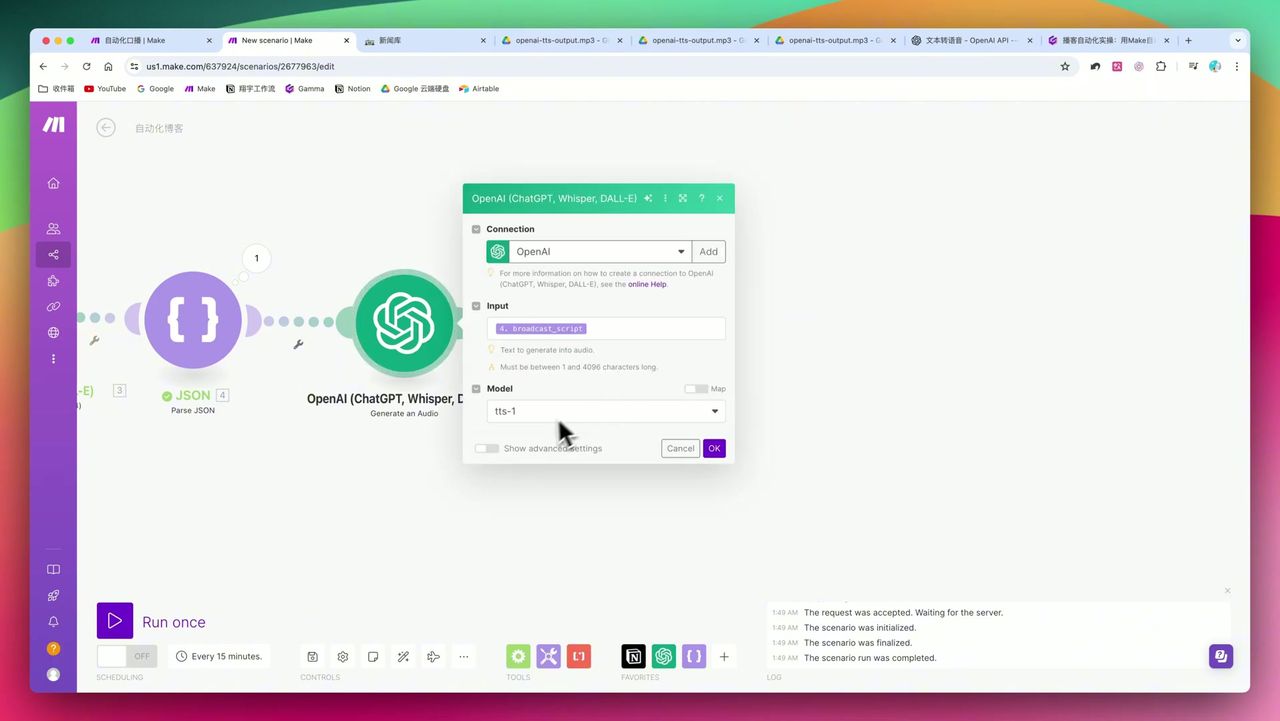 Voice selection, speed settings, and format configuration
Key Configuration:
- Model: tts-1 or tts-1-hd
- Voice: Choose appropriate tone (like alloy, echo, nova, etc.)
- Speed: 1.1x or 1.2x (improve information acquisition efficiency)
- Format: MP3
Step 6: Upload to Google Drive
Finally, upload generated MP3 file to Google Drive.
- Add Google Drive - Upload a File module
- Select target folder
- Filename uses dynamic variables:
{{title}}_{{formatDate(now; "YYYY-MM-DD")}}.mp3
Final Results
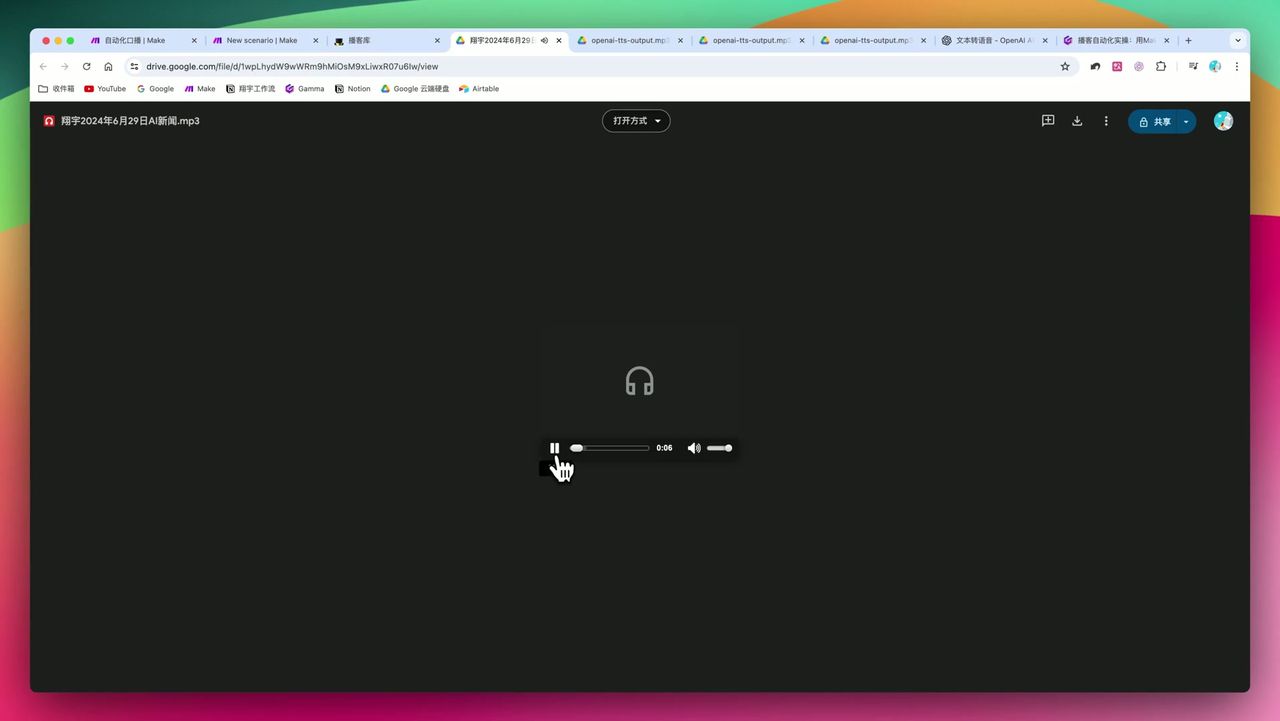 Generated podcast title, copy, and embedded audio file
Set up time trigger (like 8 AM daily), system automatically:
- Fetches yesterday’s or today’s news
- Generates podcast script
- Converts to voice
- Uploads to cloud
Completely zero manual intervention!
Gotchas
During setup, note:
-
Make’s Interaction Logic - If front module hasn’t actually run, back module cannot access variables. Recommend running process once first to “generate” data samples.
-
JSON Format Fragility - AI-generated content may contain extra punctuation, causing JSON Parse errors. Clearly require pure JSON output in Prompt.
-
API Cost Control - GPT-4o + TTS daily running costs need attention. If cost-sensitive, consider using GPT-3.5-turbo for script generation.
-
Data Aggregation Necessity - Must use Text Aggregator to avoid fragmented API calls.
Use Cases
Recommended Users
- Tech Content Creators - Want to auto-convert blogs, newsletters to audio content
- Information Geeks - Need daily efficient intake of specific domain info, prefer audio listening
- Enterprise Users - Need auto-generated daily morning briefs or internal briefings
May Not Suit
- Users with zero concept of JSON, Webhooks, API Keys
- Scenarios requiring broadcast-level audio quality with professional broadcaster performance
Make vs Zapier
While Zapier is easier to start and has richer ecosystem, Make has clear advantages for complex logic:
| Comparison | Make | Zapier |
|---|---|---|
| Data Aggregation | Native Aggregator support | Needs extra steps |
| Route Branching | Visual Router | Relatively complex |
| Canvas Operation | Intuitive connection layout | Linear steps |
| Complex Automation | More suitable | Simpler tasks more suitable |
FAQ
What’s the daily API cost for this workflow?
Using GPT-4o and TTS models, generating one 1000-2000 word podcast daily costs approximately $0.1-0.3 USD, depending on content length and audio duration.
Make vs Zapier: which is better for this automation?
For complex multi-step automation (like data aggregation, JSON parsing, multi-branch routing), Make’s canvas-style operation has clear advantages. Zapier suits simpler single-step automations.
How is the voice quality?
OpenAI TTS voice is natural and fluent, supports multiple languages, but lacks professional broadcaster’s emotional nuance and breathing. Suitable for informational podcasts, not storytelling.
Can I generate podcasts in other languages?
Yes. OpenAI TTS automatically generates corresponding voice based on text language. Input English content directly generates English podcasts, also supports French, German, and other languages.
Next Steps
After mastering the basic workflow, you can try:
- Adding multilingual translation module for bilingual podcasts
- Integrating to WeChat, social platforms for auto-distribution
- Adding background music and intro/outro
- Setting up error handling and retry mechanisms
Questions? Feel free to leave comments!
FAQ
- What's the daily API cost for this workflow?
- Using GPT-4o and TTS models, generating one 1000-2000 word podcast daily costs approximately $0.1-0.3 USD, depending on content length and audio duration.
- Make vs Zapier: which is better for this automation?
- For complex multi-step automation (like data aggregation, JSON parsing, multi-branch routing), Make's canvas-style operation has clear advantages. Zapier suits simpler single-step automations.
- How is the voice quality?
- OpenAI TTS voice is natural and fluent, supports multiple languages, but lacks professional broadcaster's emotional nuance and breathing. Suitable for informational podcasts, not storytelling.
- Can I generate podcasts in other languages?
- Yes. OpenAI TTS automatically generates corresponding voice based on text language. Input English content directly generates English podcasts, also supports French, German, and other languages.
Start Building Your Automation Today
Join 500,000+ users automating their work with Make.com. No coding required, free to start.
Get Started FreeRelated Tutorials
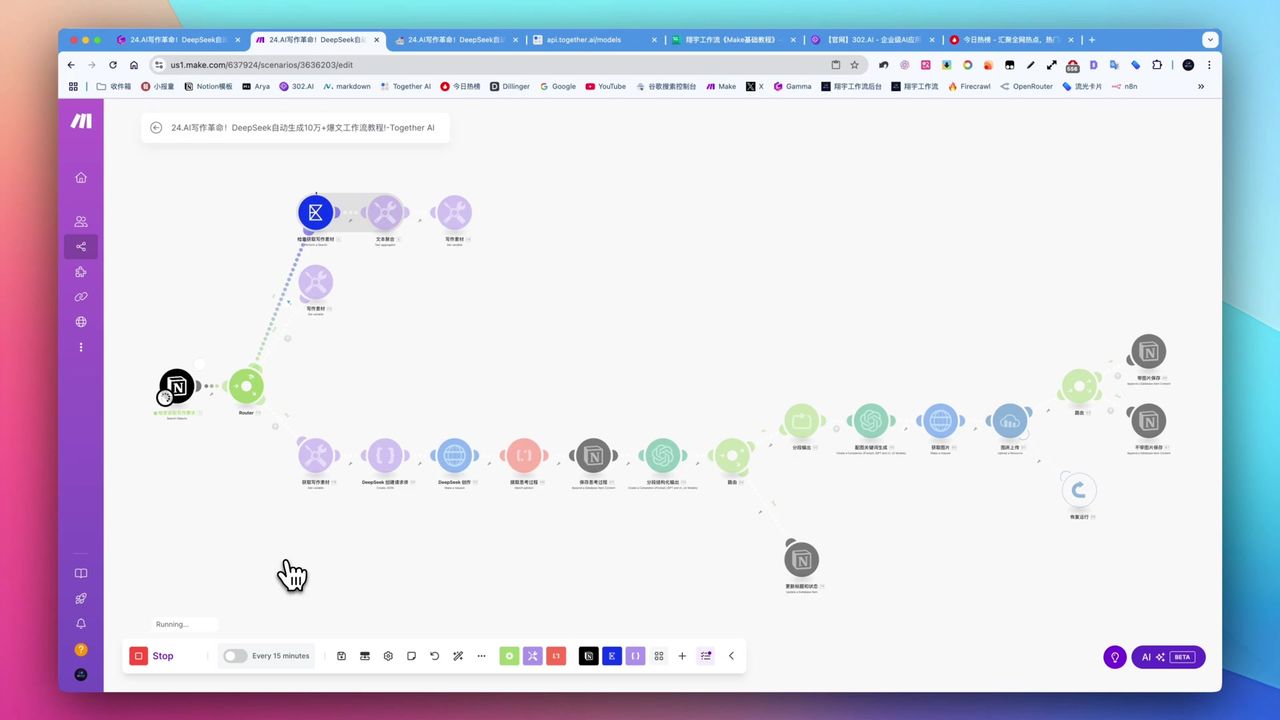
Create Viral Content with Make.com & DeepSeek AI
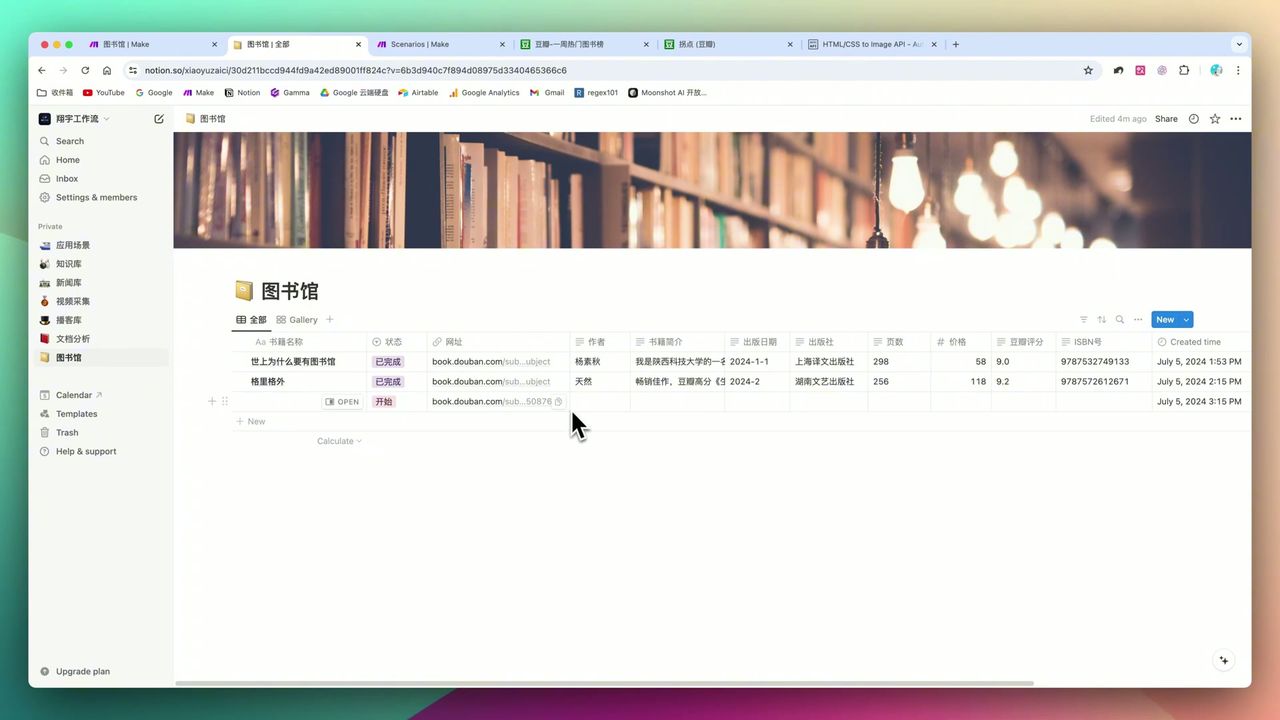
Build Notion Book Library with Make.com & GPT-4o Vision
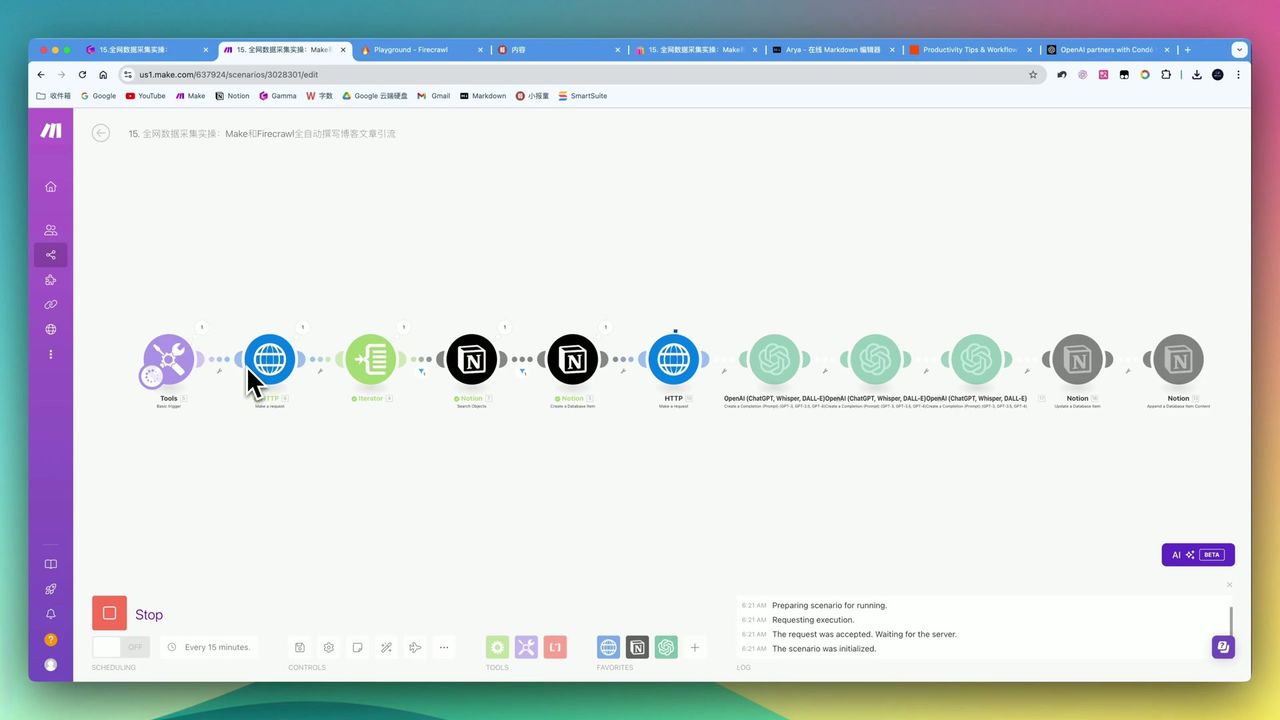
Automate Blog Writing with Make.com & Firecrawl Web Scraper
Automate PDF Analysis with Make.com & Kimi 128K Context
About the author
Alex Chen
Automation Expert & Technical Writer
Alex Chen is a certified Make.com expert with 5+ years of experience building enterprise automation solutions. Former software engineer at tech startups, now dedicated to helping businesses leverage AI and no-code tools for efficiency.
Credentials