Build a Viral Content Prompt Factory with Make.com
Analyze viral content styles and auto-generate 15-dimension writing prompts by combining trending topics with Make.com automation.
Ready to automate?
Start building this workflow with Make.com — free forever on the starter plan.
Overview
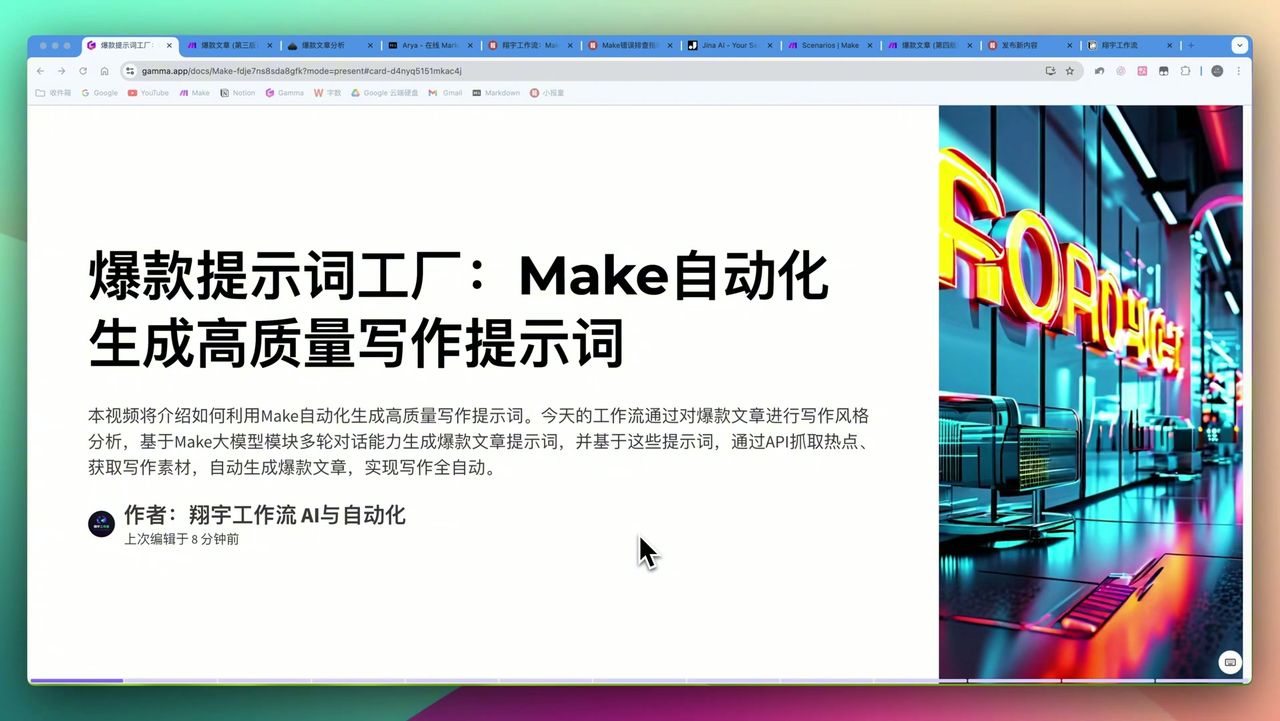
This is an innovative automated AI writing workflow based on Make.com that deeply analyzes viral article writing styles, combined with large model multi-turn dialogue capabilities, to automatically generate high-quality writing prompts.
This solution achieves full automation from inspiration to finished article:
- Style Analysis - Analyze writing styles of 5-20 viral articles
- Prompt Generation - Generate professional writing prompts from 15 dimensions
- Trending Capture - Auto-fetch real-time trending topics from social platforms
- Material Integration - Search related materials via EXA API
- Smart Judgment - Token counting judges material sufficiency
- Article Generation - Combine prompts and materials for auto-creation
 Complete workflow: Style analysis → Prompt generation → Trending capture → Material integration → Article creation
Core Decision Factors
When choosing automated AI writing solutions, focus on:
- Automation Level - Automation level from material collection to article output
- Prompt Quality - Whether generated prompts have depth and professionalism
- Content Originality - Whether generated content has unique perspectives
- Trending Capture Capability - Efficiency in obtaining real-time trending topics and materials
Technical Specifications
| Specification | Value | Notes |
|---|---|---|
| Base Analysis Articles | 5-8 | Maximum up to 20 |
| Make.com Modules | 33 | Current workflow core modules |
| Workflow Run Time | Maximum 5 minutes | Depends on material volume |
| Make.com Operations | 100+ times | Single complete run |
| Prompt Definition Dimensions | 15 | Creative perspective, title design, article structure, etc. |
| Notion Databases | 3 | Original articles, prompts, final articles |
| Trending Topic Capture | 30 | Single capture from social platforms |
| EXA API Material Capture | 10 data points | Internet data per capture |
| Material Sufficiency Threshold | 10,000 Tokens | Below this won’t generate articles |
Prerequisites
Before starting, ensure you have:
- Make.com account
- Notion account
- OpenRouter API key
- ChatGPT API key (for structured output)
- EXA API key (for material search)
- Jina API (for token counting)
Notion Database Structure
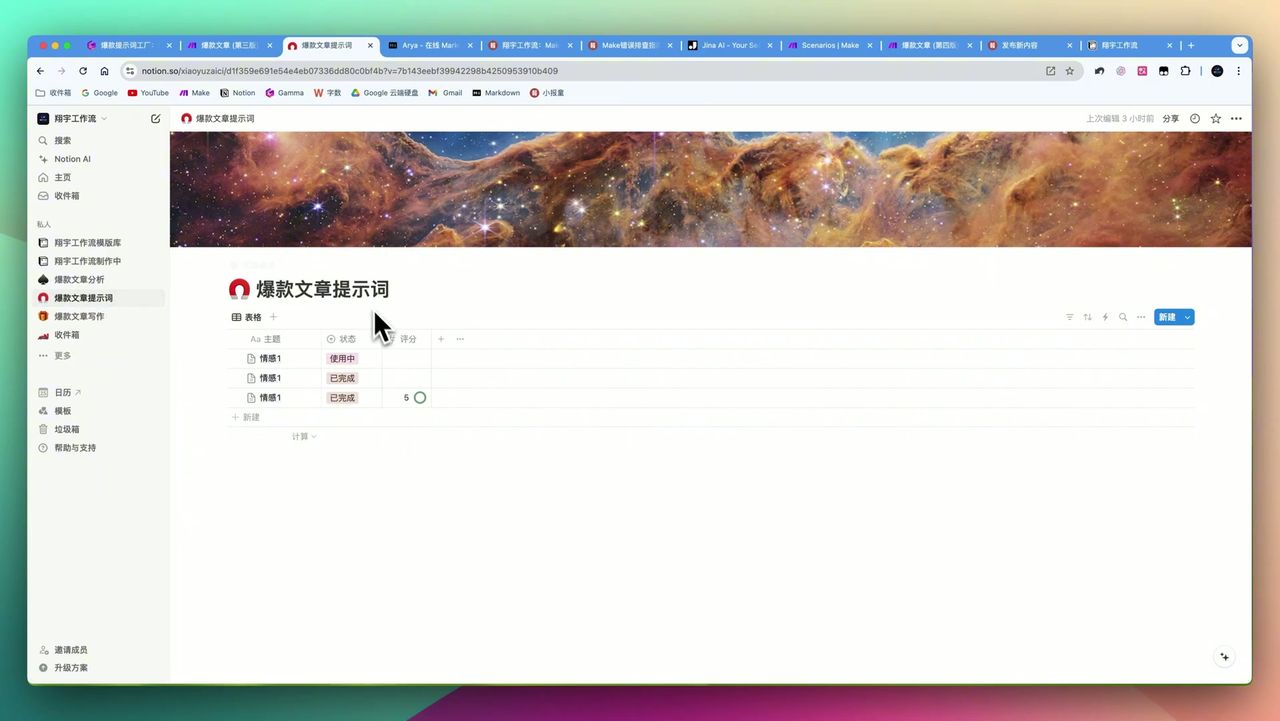
 Three Notion databases: Original article library, prompt library, final article library
Need to create 3 Notion databases:
- Original Article Library - Store viral articles to analyze
- Prompt Library - Store generated writing prompts
- Final Article Library - Store generated articles
Note: Original articles must be stored as
codeblocks, otherwise may cause data processing errors.
Workflow Architecture
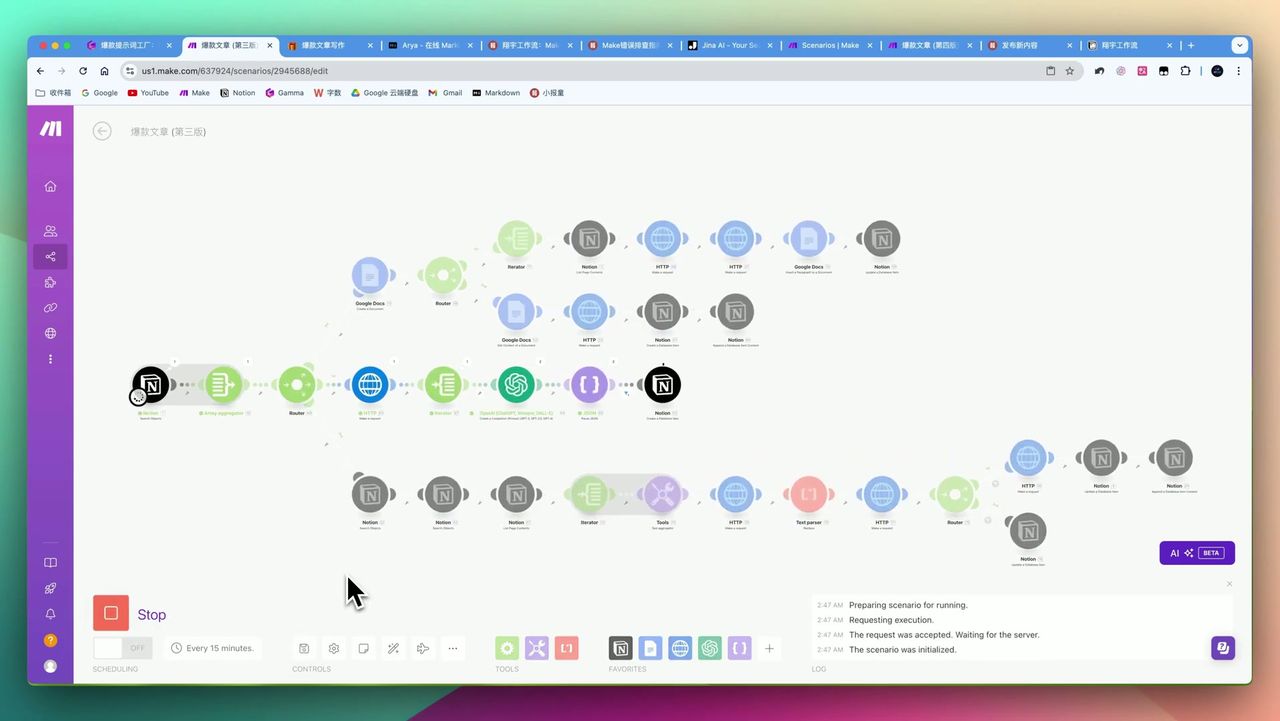 33-module complete workflow connection diagram
Entire workflow divided into several core module groups:
- Article Analysis Module - Fetch and analyze viral articles from Notion
- Prompt Generation Module - Multi-turn dialogue generates 15-dimension prompts
- Trending Capture Module - Get real-time trending topics and classify
- Material Search Module - Search related materials via EXA API
- Quality Judgment Module - Token counting judges material sufficiency
- Article Generation Module - Combine prompts and materials for creation
Step 1: Prepare Viral Article Samples
Record 5-8 viral articles in Notion original article library:
Requirements:
- Article styles must be consistent
- Content stored as
codeblocks - Can increase to 20 for higher analysis precision
Note: If article writing styles inconsistent, final generated prompts become “jack-of-all-trades”, lacking targeting.
Step 2: Configure Writing Style Analysis
Use OpenRouter for multi-turn dialogue, analyzing writing style from 15 dimensions:
15 Analysis Dimensions:
- Creative perspective
- Title design
- Opening techniques
- Article structure
- Paragraph organization
- Language style
- Rhetorical devices
- Emotional expression
- Case application
- Data citation
- Golden sentence refinement
- Closing techniques
- SEO optimization
- Interactive guidance
- Differentiation positioning
Step 3: Generate High-Quality Prompts
 AI-generated 15-dimension writing prompts
After multi-turn dialogue analysis, system auto-generates structured writing prompts including:
- Creative role positioning
- Title formula templates
- Structure framework suggestions
- Language style guidelines
- Rhetorical technique checklists
Step 4: Capture Real-Time Trending Topics
Configure social platform trending API to capture 30 real-time trending topics.
Trending Processing Flow:
- Capture trending list
- Use ChatGPT for classification
- Filter suitable creation topics
- Select 5 as writing materials
Note: ChatGPT more stable than OpenRouter for structured output; trending classification tasks recommend ChatGPT.
Step 5: Material Search & Quality Judgment
Search internet materials via EXA API and use Jina API to calculate token count.
Smart Judgment Logic:
- Token count >= 10,000: Materials sufficient, continue generation
- Token count < 10,000: Materials insufficient, skip this topic
This mechanism avoids generating low-quality or hollow-content articles.
Step 6: Auto-Generate Articles
Combine high-quality prompts and sufficient materials for AI to auto-generate viral articles.
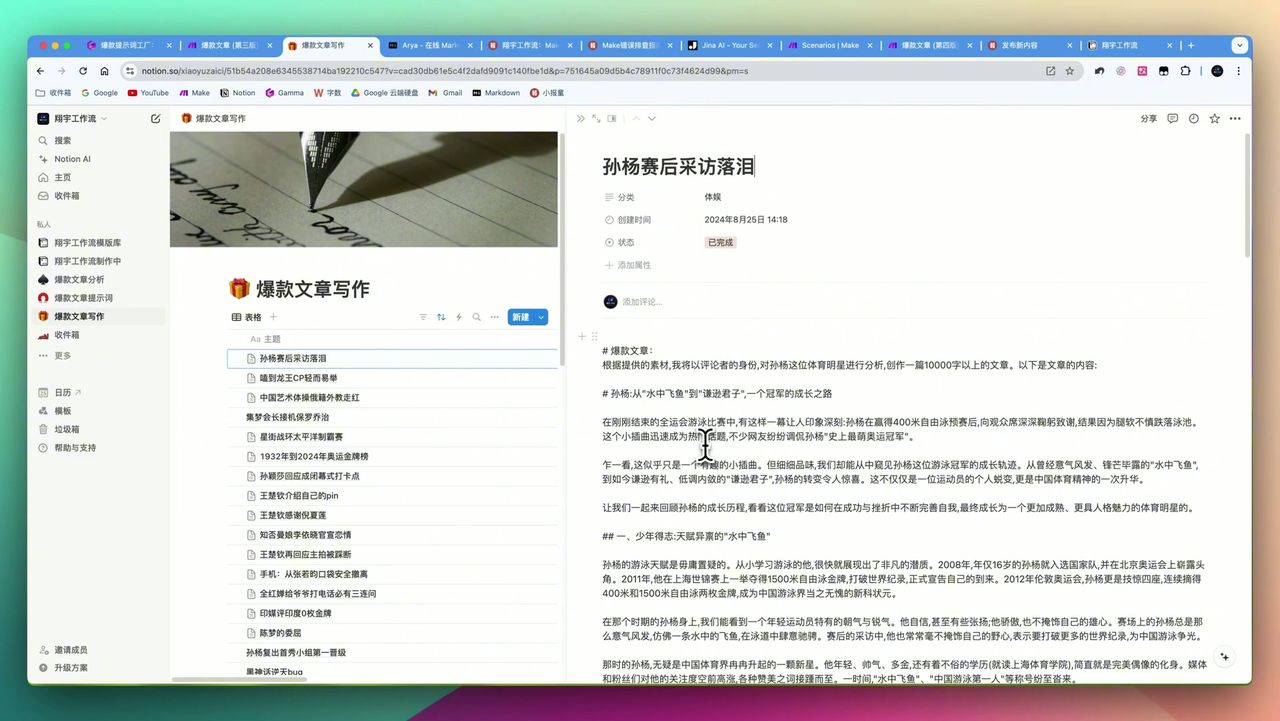 Final generated article including title and complete structure
Gotchas
Special attention during setup:
-
Initial Configuration Complexity - 33 modules, 3 databases, multiple APIs; requires technical foundation
-
Time-Consuming Debugging - API Keys, JSON formats, module connection order prone to errors; requires patient debugging
-
Notion Data Sensitivity -
list page contentmodule outputs blank lines as separate “blocks”; need to limit output count -
Trending Material Challenges - Video trending topics may lack sufficient deep materials
-
Must Save Before Running - Make.com disconnection causes unsaved workflow progress loss
-
Model Selection - OpenRouter may be inferior to ChatGPT for structured output; need to switch based on tasks
-
Material Style Consistency - Analyzed article styles must be consistent, otherwise prompts become generic
Use Cases
Recommended Users
- Media Teams - Need batch production of specific-style viral articles
- Content Marketing Companies - Rapidly respond to market trending topics, batch-generate marketing copy
- Tech Enthusiasts - Willing to invest time learning and configuring automation workflows
- Prompt Engineering Learners - Systematically learn prompt design by analyzing articles
May Not Suit
- Users pursuing simple “one-click generation” experience
- Users unwilling to invest time in initial configuration
- Traditional creators with extremely high originality requirements
- Budget-limited users (API calls and premium subscriptions generate fees)
FAQ
How many viral articles to analyze?
Recommend 5-8, maximum up to 20. Article styles must be consistent; otherwise generated prompts become too generic and lack targeting.
How long does the entire workflow take?
Based on material volume and module complexity, maximum up to 5 minutes, consuming 100+ Make operations per run.
How to judge if materials are sufficient?
Workflow uses Jina API to calculate token count. If below 10,000, materials deemed insufficient and won’t generate low-quality articles.
Is this workflow suitable for beginners?
Not very suitable. Involves 33 module configurations, 3 Notion databases, and multiple API integrations, requiring strong technical background and debugging skills.
Next Steps
After mastering the basic workflow, you can try:
- Adding more trending sources (Twitter, Reddit, etc.)
- Integrating multi-agent collaboration features
- Adding article quality scoring module
- Setting up auto-publishing to multiple platforms
Questions? Feel free to leave comments!
FAQ
- How many viral articles to analyze?
- Recommend 5-8, maximum up to 20. Article styles must be consistent; otherwise generated prompts become too generic and lack targeting.
- How long does the entire workflow take?
- Based on material volume and module complexity, maximum up to 5 minutes, consuming 100+ Make operations per run.
- How to judge if materials are sufficient?
- Workflow uses Jina API to calculate token count. If below 10,000, materials deemed insufficient and won't generate low-quality articles.
- Is this workflow suitable for beginners?
- Not very suitable. Involves 33 module configurations, 3 Notion databases, and multiple API integrations, requiring strong technical background and debugging skills.
Start Building Your Automation Today
Join 500,000+ users automating their work with Make.com. No coding required, free to start.
Get Started FreeRelated Tutorials
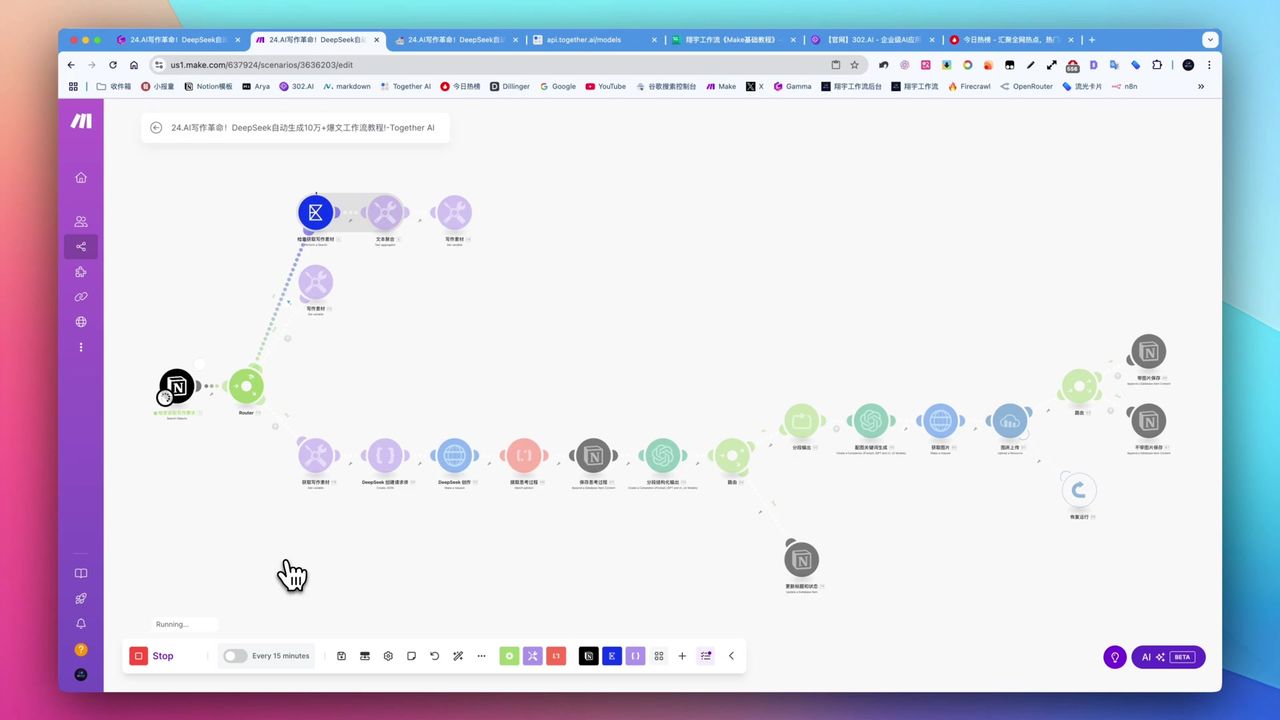
Create Viral Content with Make.com & DeepSeek AI
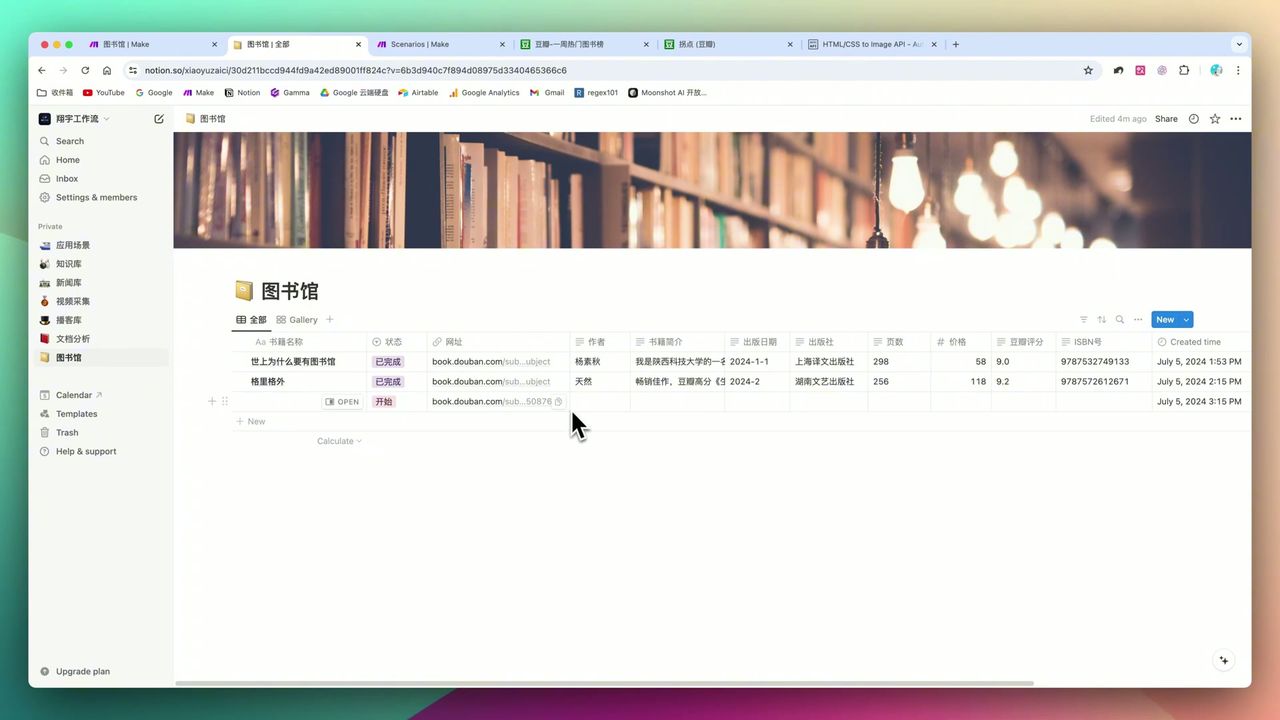
Build Notion Book Library with Make.com & GPT-4o Vision
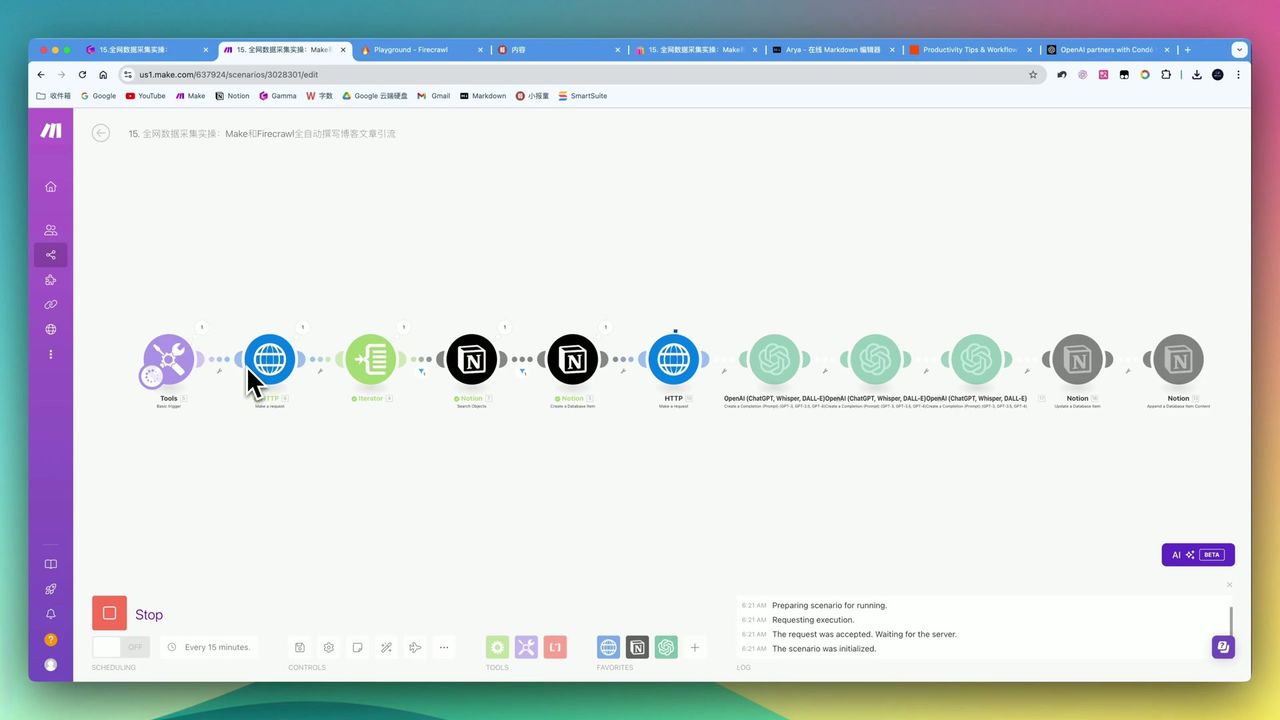
Automate Blog Writing with Make.com & Firecrawl Web Scraper
Automate PDF Analysis with Make.com & Kimi 128K Context
About the author
Alex Chen
Automation Expert & Technical Writer
Alex Chen is a certified Make.com expert with 5+ years of experience building enterprise automation solutions. Former software engineer at tech startups, now dedicated to helping businesses leverage AI and no-code tools for efficiency.
Credentials