Scale One Make.com Workflow into 10,000 Variations
Transform a single Make.com workflow into 10,000 variants by modifying Lora models, adjusting prompts, adding modules, and restructuring orchestration.
Ready to automate?
Start building this workflow with Make.com — free forever on the starter plan.
Overview
This is a systematic methodology for workflow expansion and transformation.
Evolve one basic workflow into myriad variants through four dimensions:
- Style Variation - Modify Lora models, 10 art styles
- Domain Switching - Adjust prompts, 100 niches
- Platform Adaptation - Add modules, 1,000 platforms
- Layout Restructuring - Reorganize orchestration, 10,000 formats
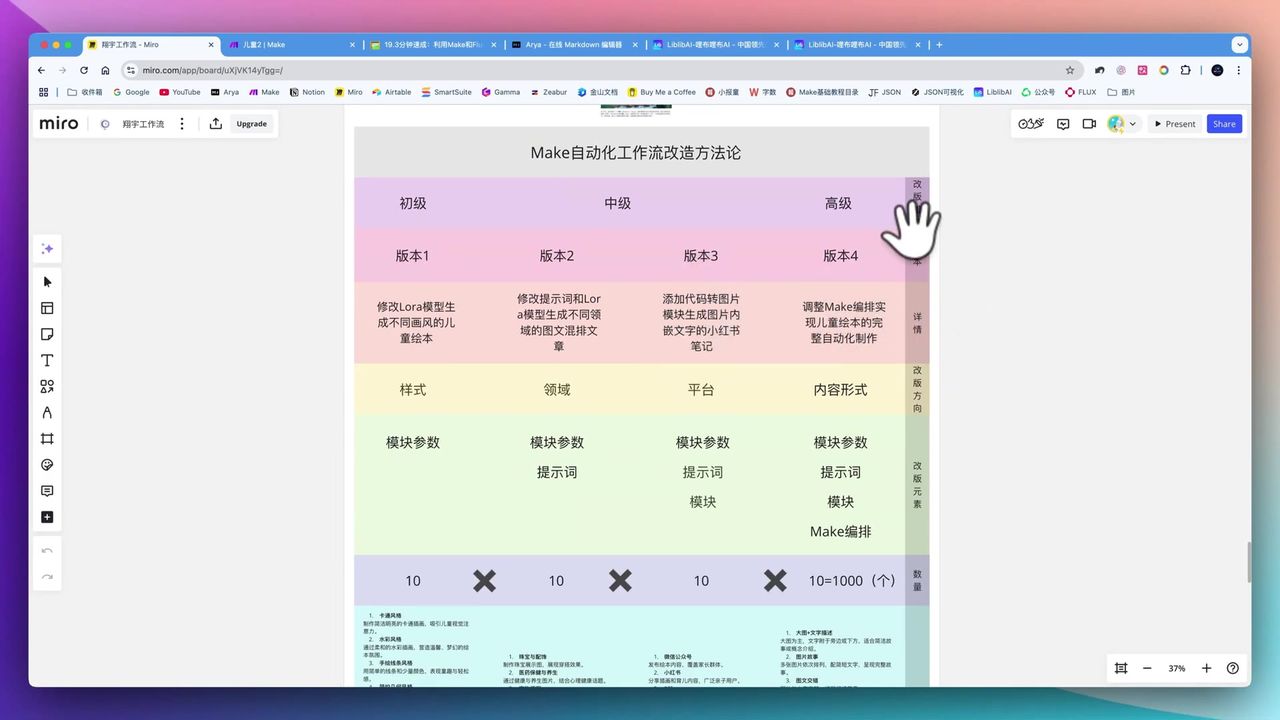 Four workflow transformation methodology mind map
Core Decision Factors
When evaluating workflow scalability, consider:
- Extensibility - Can you quickly derive new workflows through simple adjustments?
- Multi-Domain Applicability - Reusability across industries and content types
- Generation Quality - Consistency of image style, characters, scenes
- Platform Integration - Capability to interface with various publishing platforms
- Learning Curve - Ease of mastering and modifying workflows
Technical Specifications
| Specification | Value | Notes |
|---|---|---|
| Single Image Generation | Several dozen seconds | After model loaded |
| Book Generation Speed | 3 minutes | Complete children’s book |
| Style Expansion | 10 styles | Cartoon, watercolor, hand-drawn, etc. |
| Domain Expansion | 100 domains | Parenting, home, food, etc. |
| Platform Expansion | 1,000 platforms | Social media, blogs, etc. |
| Layout Expansion | 10,000 layouts | Mixed text-image, card-style, etc. |
| Complex Workflow Modules | ~44 modules | Including router, aggregator logic |
| First Image Time | 300 seconds | Initial model loading |
| Subsequent Images | 30 seconds | After model loaded |
Prerequisites
Before starting, ensure you have:
- Make.com account (free registration)
- Notion account and database
- OpenAI API key
- Image generation API (e.g., Replicate, ComfyUI)
- Basic HTML/CSS knowledge (optional)
Basic Workflow Preparation
Ensure you have a working basic workflow containing:
- Notion trigger
- AI text generation module
- AI image generation module
- Content storage module
Version 1: Modify Style (10 Variants)
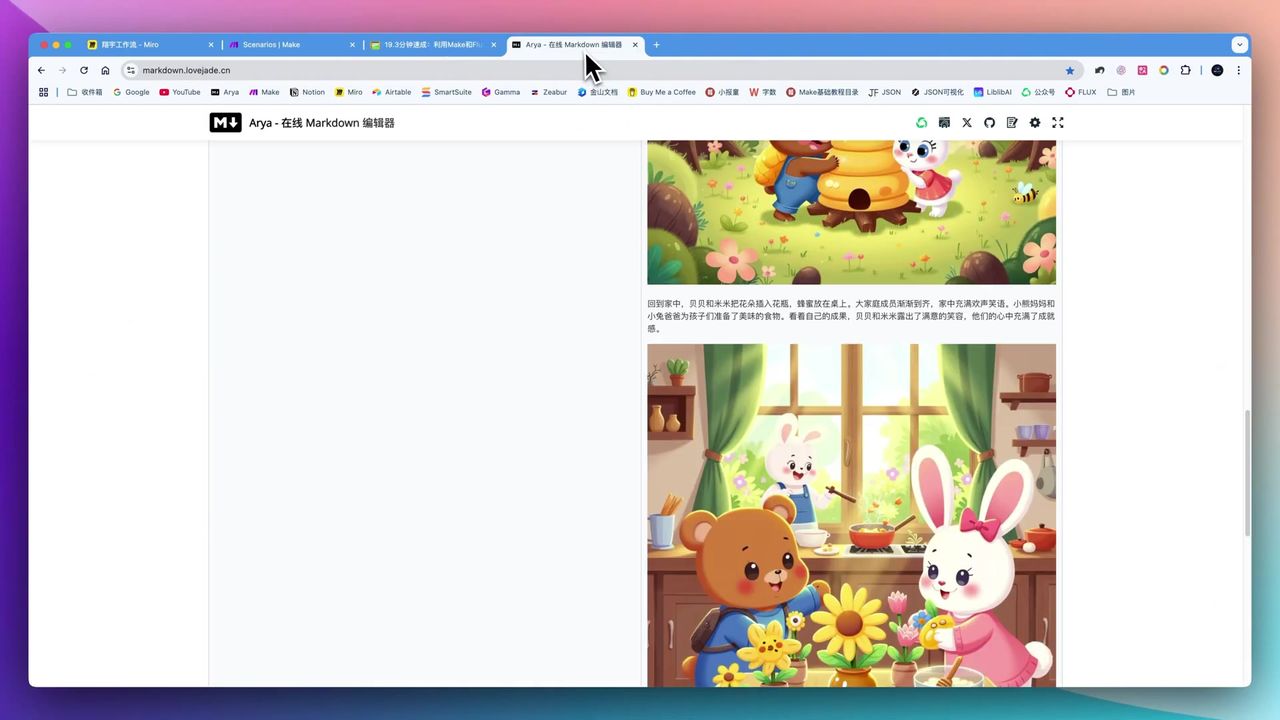 Change children’s book art style by modifying Lora models
Achieve style switching through Lora model parameter modification:
Operation Steps:
- Clone existing workflow
- Create new Webhook address
- Modify Lora model URL in Notion
- Run workflow to verify effects
Optional Styles:
- Cartoon style
- Watercolor style
- Hand-drawn style
- Realistic style
- Pixel art style
- Oil painting style
- And more…
Tip: Simply modify the Lora model URL to switch from cartoon to realistic style—intuitive and efficient operation.
Version 2: Modify Domain (100 Variants)
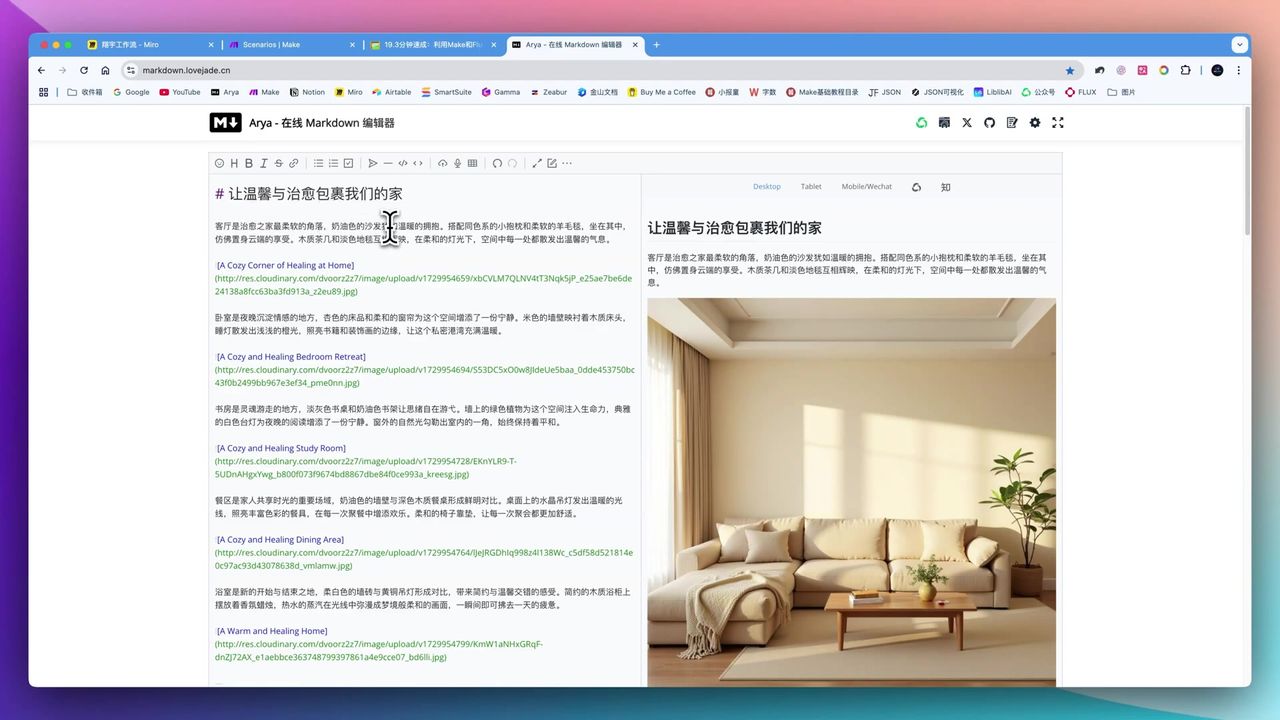 Switch from children’s books to cream-style home design
Based on 10 art styles, expand domains by modifying prompts:
Operation Steps:
- Modify domain description in ChatGPT prompts
- Replace Lora model matching that domain
- Adjust generation parameters (like image dimensions)
- Test content generation quality
Expandable Domains:
- Parenting and childcare
- Home design
- Food and cooking
- Anime and manga
- Travel photography
- Fashion styling
- Fitness and sports
- And more…
Example Result: Transform children’s book workflow into cozy home design, generating high-quality cream-style furniture images with rich lighting and layout details.
Version 3: Modify Publishing Platform (1,000 Variants)
 Auto-generate Instagram-style visual posts
Based on 100 domains, adapt to different platforms by adding modules:
Operation Steps:
- Add HTML to Image module
- Embed preset HTML/CSS code templates
- Configure platform-specific dimensions and styles
- Map content data to templates
Connectable Platforms:
- TikTok
- And more…
Technical Points:
<!-- Instagram visual template example -->
<div class="instagram-card">
  <img src="{{image_url}}" />
  <h2>{{title}}</h2>
  <p>{{content}}</p>
</div>Note: When modifying HTML/CSS code class classifications, ensure precision to avoid layout errors.
Version 4: Modify Content Layout (10,000 Variants)
This is the most complex transformation, requiring workflow reorganization:
Core Components:
- Router - Distribute data to different branches
- Filter - Screen data by conditions
- Aggregator - Merge multiple outputs
Layout Forms:
- Cover page
- Image left, text right
- Image right, text left
- Full image page
- Text-only page
- Ending page
Implementation Effect: Split single story into multiple pages with different layouts, generating children’s books with professional book-style layouts in PDF format.
Understanding Data Flow
Key analogy for understanding Make workflows:
- Workflow = High-speed rail line
- Module = Station
- Data = Passengers
Data flow through workflows:
- Depart from starting station (trigger)
- Pass through various stations (modules) for processing
- Data gets integrated and processed
- Arrive at destination (output)
Pitfalls to Avoid
Common issues during transformation:
-
Network Connection Dependency - Workflows need real-time internet during runtime; interruptions may cause content loss
-
First Image Time Consumption - Initial AI model loading takes ~5 minutes, affecting immediacy needs
-
Technical Barriers - HTML/CSS template modification is challenging for users without coding background
-
Parameter Remapping - After copying workflows, module parameters need manual remapping
-
Complex Workflow Debugging - 44-module workflows appear overwhelming to beginners
Commercial Applications
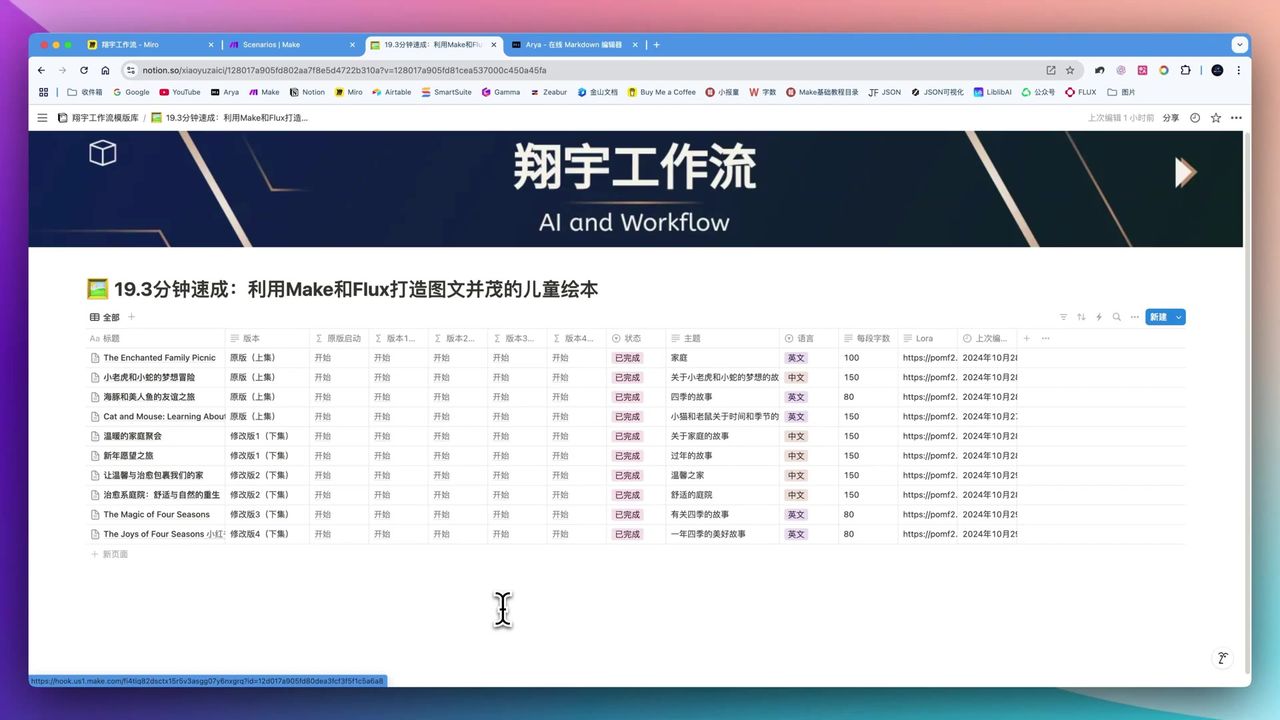 Workflow-generated children’s book content
Monetization channels for generated content:
E-commerce Platforms:
- Amazon Kindle Direct Publishing
- Etsy digital products
- Instagram product links
Content Platforms:
- Medium paid articles
- Patreon
- Substack
Custom Services:
- Corporate custom books
- Personal commemorative albums
- Brand promotional materials
Use Cases
Recommended For
- Content Entrepreneurs - Individuals or teams wanting to automate multi-style, multi-domain content generation
- AI Automation Enthusiasts - Have Make platform basics, eager to learn complex workflows
- Scale Producers - Quickly produce large amounts of differentiated content with minimal input
May Not Suit
- Complete automation beginners unwilling to invest time learning basics
- Users seeking “one-click generation” unwilling to customize
- Unstable network environments that may cause workflow interruptions
FAQ
How to quickly switch styles?
Simply modify the Lora model URL in Notion to switch styles—from cartoon to realistic style—operation is intuitive and efficient.
Can it work across domains?
Yes! By modifying ChatGPT prompts and Lora models, you can switch content from children’s books to home design, food, anime, or any other domain.
How to adapt to different platforms?
Add HTML to Image module, embed preset HTML/CSS code templates, and automatically format content into styles for Instagram, Pinterest, or any platform.
Are workflows complex?
The most complex version contains about 44 modules, requiring understanding of Make’s data flow logic, but once configured, it’s reusable.
Next Steps
After mastering the basics, you can try:
- Create more art style Lora model libraries
- Develop more domain-specific prompt templates
- Design more platform layout styles
- Build workflow template marketplace
Feel free to leave comments with questions!
FAQ
- How to quickly switch styles?
- Simply modify the Lora model URL in Notion to switch styles—from cartoon to realistic—operation is intuitive and efficient.
- Can it work across domains?
- Yes! By modifying ChatGPT prompts and Lora models, you can switch content from children's books to home design, food, anime, or any other domain.
- How to adapt to different platforms?
- Add HTML to Image module, embed preset HTML/CSS code templates, and automatically format content into styles for Instagram, Pinterest, or any platform.
- Are workflows complex?
- The most complex version contains about 44 modules, requiring understanding of Make's data flow logic, but once configured, it's reusable.
Start Building Your Automation Today
Join 500,000+ users automating their work with Make.com. No coding required, free to start.
Get Started FreeRelated Tutorials
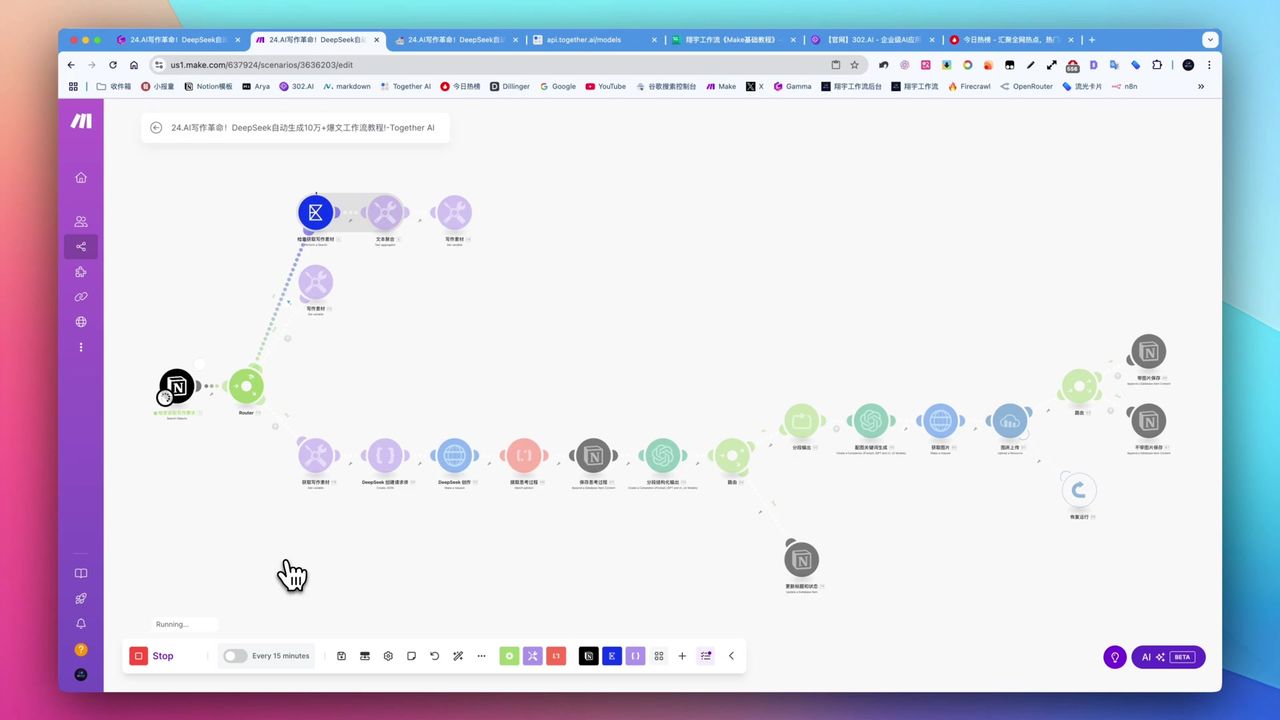
Create Viral Content with Make.com & DeepSeek AI
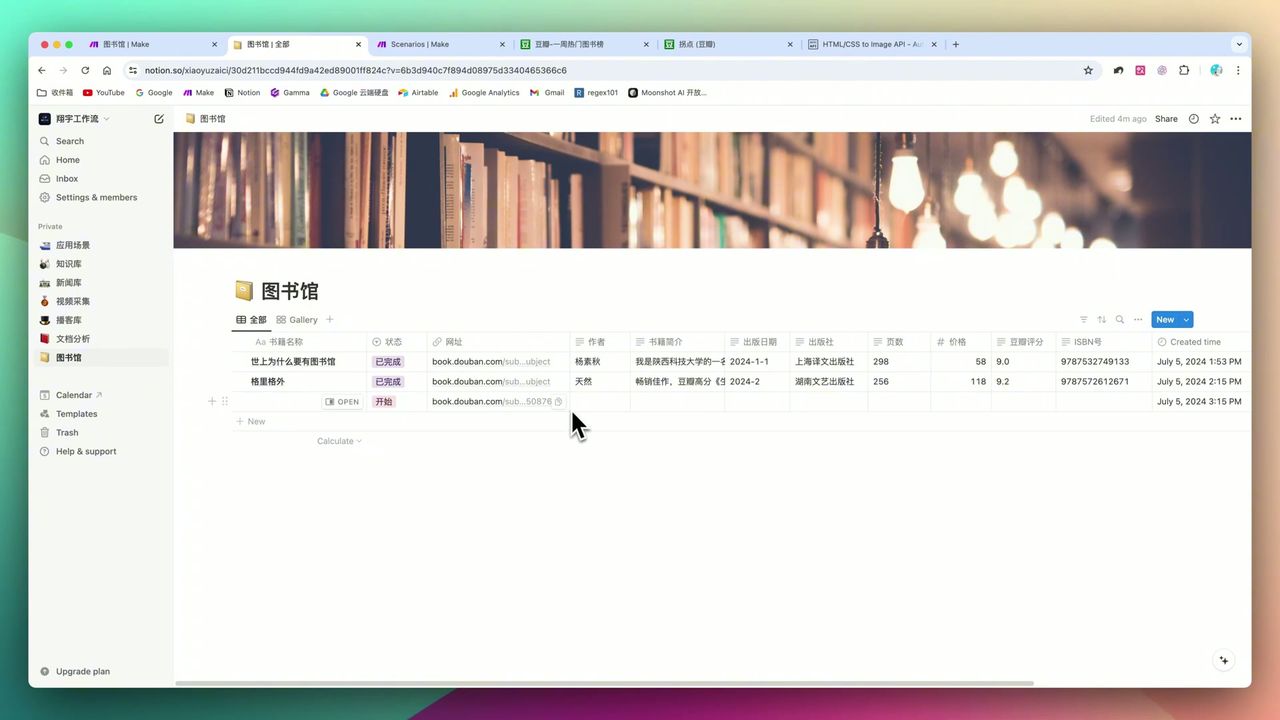
Build Notion Book Library with Make.com & GPT-4o Vision
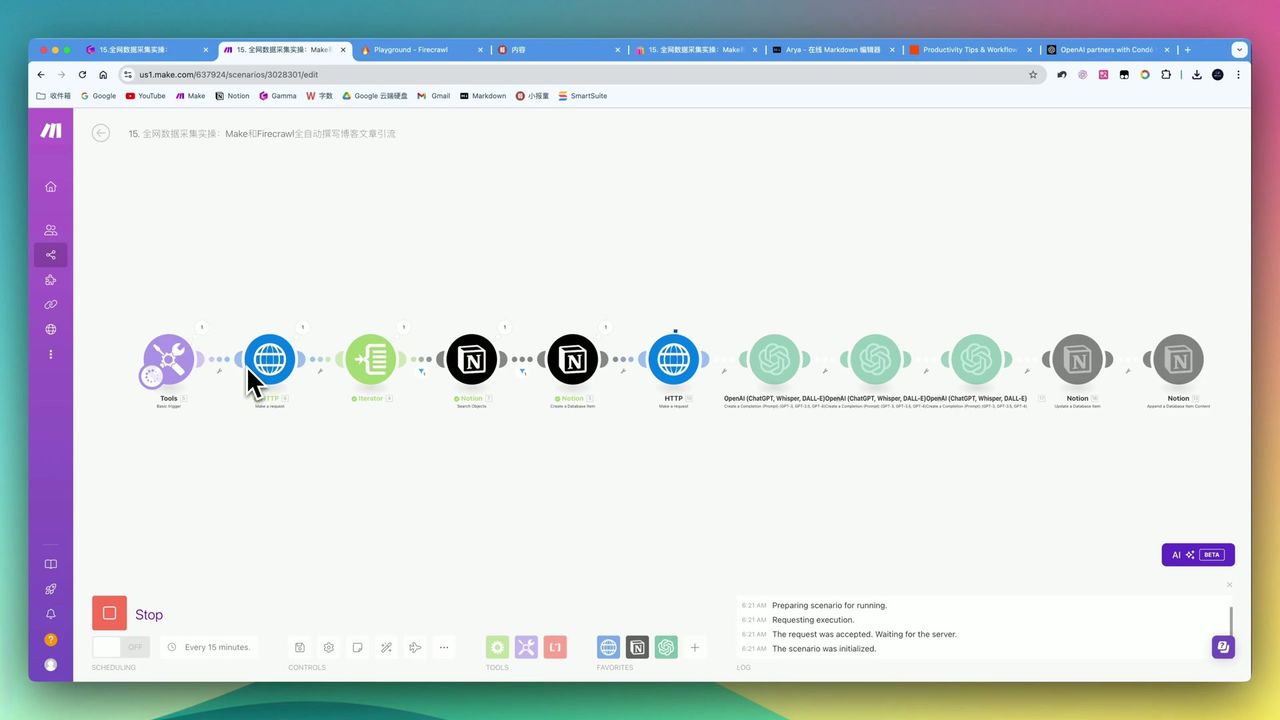
Automate Blog Writing with Make.com & Firecrawl Web Scraper
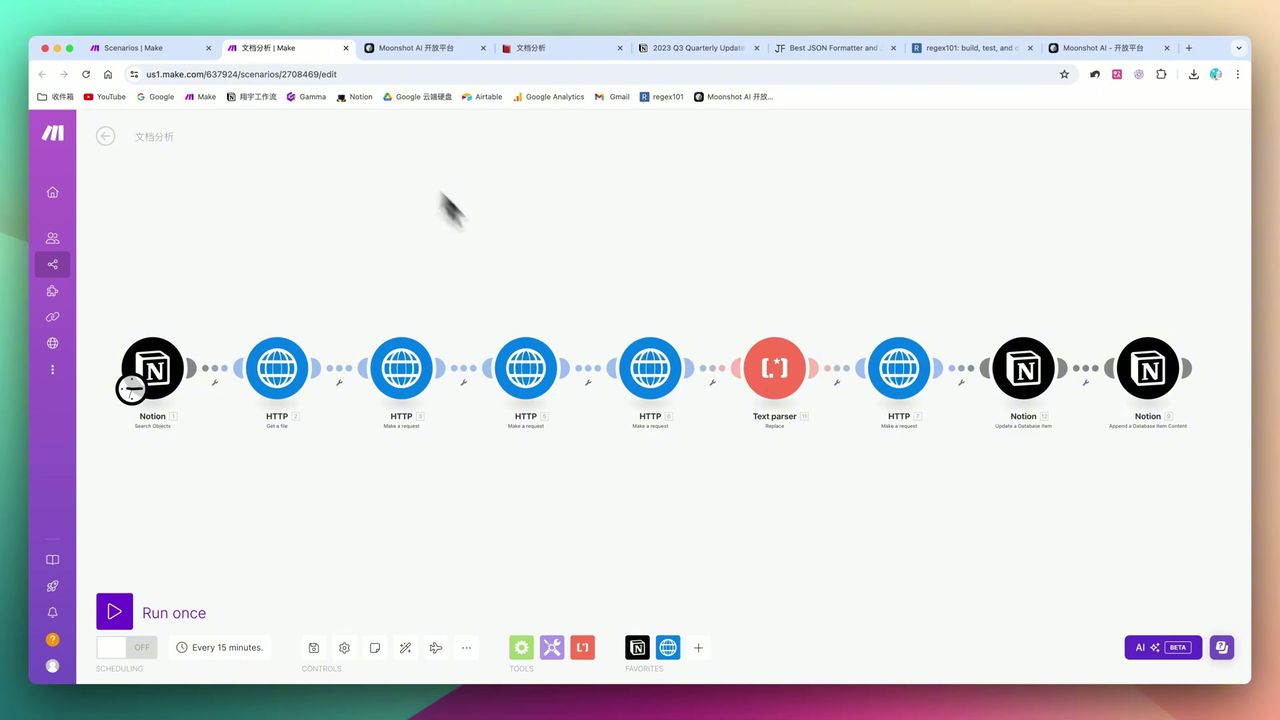
Automate PDF Analysis with Make.com & Kimi 128K Context
About the author
Alex Chen
Automation Expert & Technical Writer
Alex Chen is a certified Make.com expert with 5+ years of experience building enterprise automation solutions. Former software engineer at tech startups, now dedicated to helping businesses leverage AI and no-code tools for efficiency.
Credentials