Generate Batch Social Media Cards with Make.com
Automate visual knowledge cards for Instagram & Pinterest using Make.com with Jina API, Firecrawl, ChatGPT, and HTML to Image for batch content creation.
Ready to automate?
Start building this workflow with Make.com — free forever on the starter plan.
Overview
Note for Western Readers: While this tutorial references “Xiaohongshu” (Little Red Book), the workflow principles apply to creating visual knowledge cards for any platform: Instagram carousels, Pinterest pins, LinkedIn posts, or Twitter/X cards.
This is a batch content production solution for knowledge creators on visual social platforms.
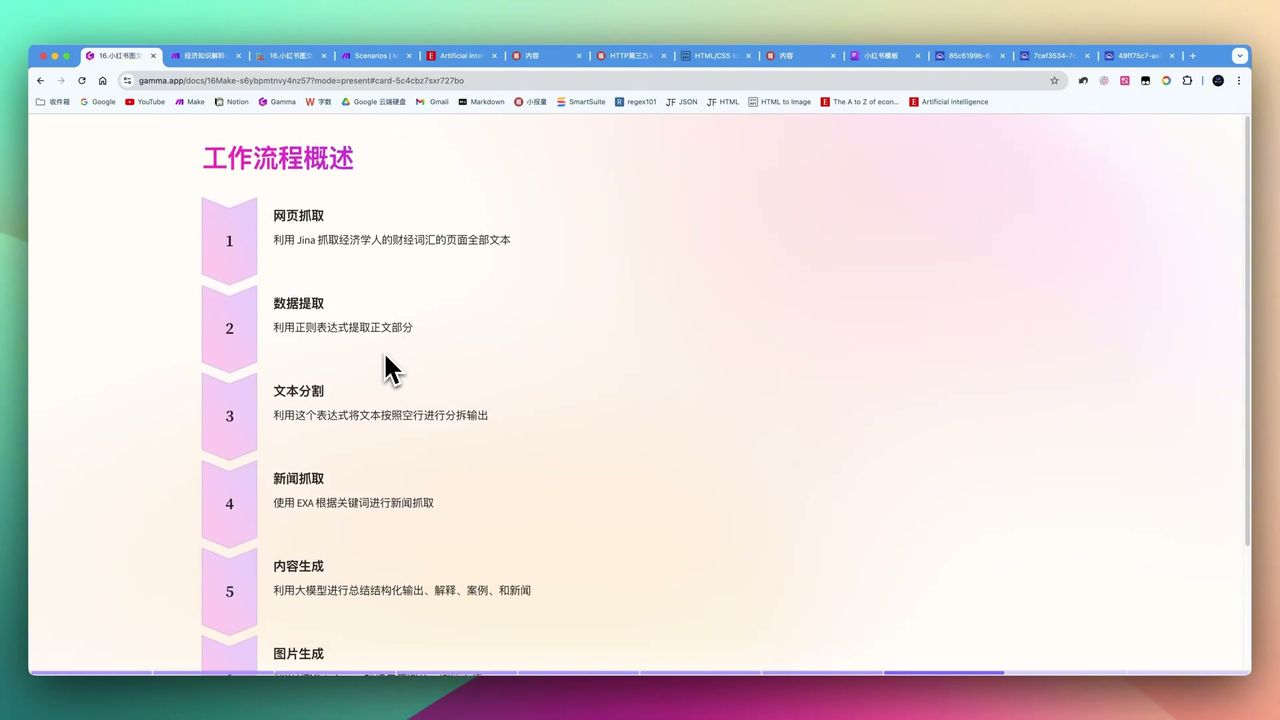
By combining multiple tools, achieve fully automated pipeline from web data to beautiful images:
- Data Collection - Jina API/Firecrawl scrape web content
- Data Cleaning - Regex extraction of structured data
- Content Generation - ChatGPT generates explanations, examples, news
- Image Rendering - HTML to Image generates knowledge cards
- Storage Archival - Cloudinary hosting + Notion knowledge base
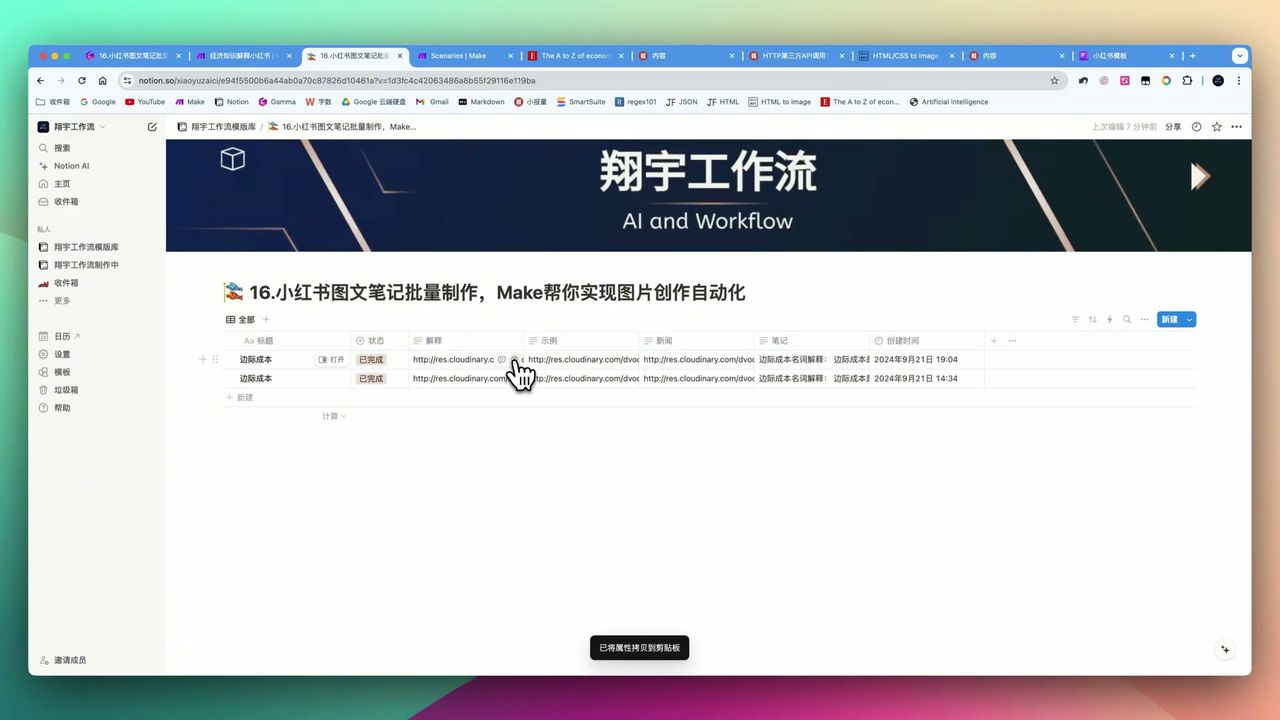 Auto-generated financial knowledge card example
Core Decision Factors
When choosing social media content automation solutions, consider:
- Batch Generation Capability - Can it generate hundreds of images at once?
- Data Structuring Capability - Precisely extract data from complex web pages
- Image Quality - Clarity, aesthetics, and template customization degree
- Ease of Use - Dependency on coding knowledge
- Cost Efficiency - Total cost of API calls and tool subscriptions
Technical Specifications
| Specification | Value | Notes |
|---|---|---|
| Batch Generation Capability | Hundreds to 1,500 images | Depends on data source scale |
| Image Dimensions | 1240 x 1660 | Instagram/Pinterest standard |
| Image Quality | 4K rendering support | Consistent with Chrome rendering |
| HCTI Free Tier | 50 images/month | ~16 posts (3 images each) |
| Cloudinary Storage | 25GB | Free tier |
| Recommended Character Count | 135-150 chars | Avoid template overflow |
| AI Model | GPT-4o-mini | Generate explanations and examples |
Prerequisites
Before starting, ensure you have:
- Make.com account (free registration)
- Jina API key (for web reading)
- Firecrawl API key (for structured scraping)
- OpenAI API key
- HTML to Image account (htmlcsstoimage.com)
- Cloudinary account (optional, for long-term storage)
- Notion account (for knowledge base management)
Workflow Architecture
Stage 1: Data Collection
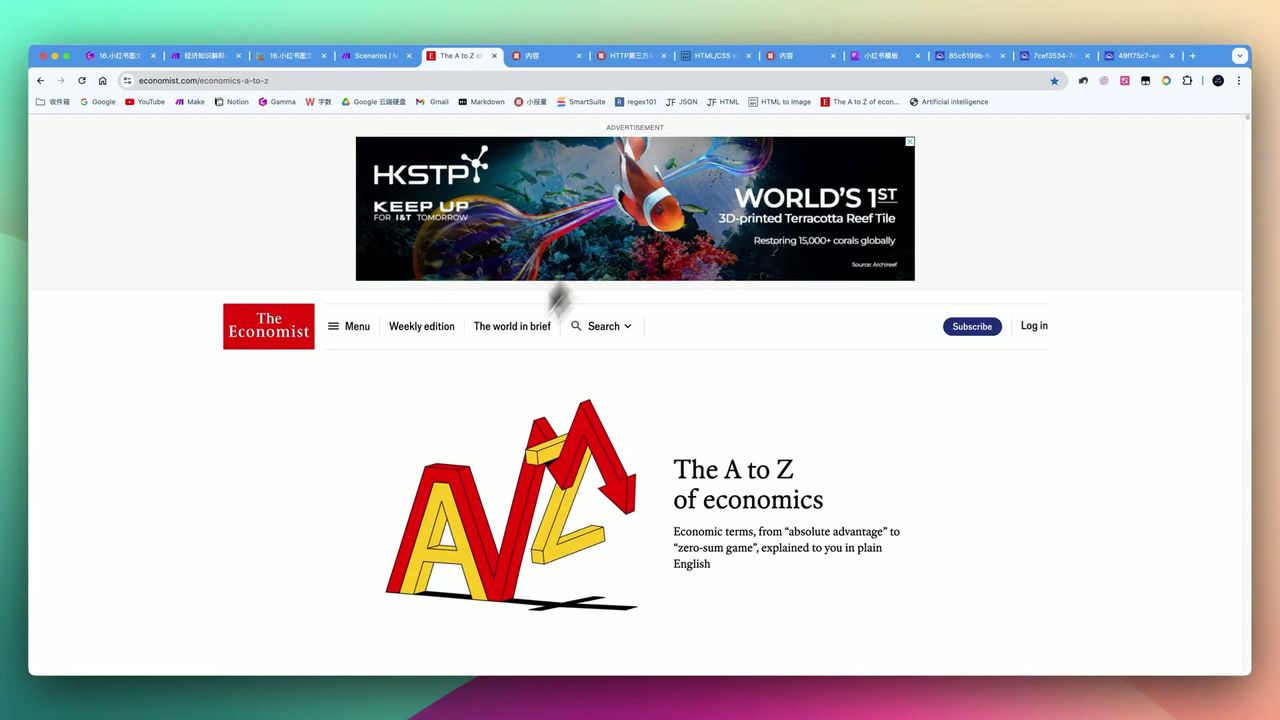 Collecting financial terms from sources like The Economist
Use two methods to collect web data:
Method 1: Jina API Reader
- Suitable for simple web structures
- Returns Markdown format content
- Needs regex for extraction
Method 2: Firecrawl
- Suitable for complex structured data
- Supports JSON Schema definitions
- Auto-handles pagination and dynamic loading
Stage 2: Data Cleaning and Structuring
Extract needed data from raw web pages:
Regex Method:
- Use Text Parser module
- Write matching rules to extract terms, definitions, etc.
- Can ask ChatGPT to help generate regex if unfamiliar
Firecrawl Method:
- Define JSON Schema
- Auto-return structured data
- Better suited for complex pages
Stage 3: AI Content Generation
 Make platform module connection method
Send extracted data to ChatGPT for content generation:
Prompt Design Points:
You are a financial knowledge educator. Please generate social media knowledge card content based on the following term:

Term: {{term}}

Requirements:
1. Explain concept in plain language (within 50 characters)
2. Give one relatable example (within 50 characters)
3. Related financial news or trend (within 50 characters)

Total character count strictly between 135-150 characters.Important: Must strictly limit character count in prompts, otherwise overly long content causes image template overflow.
Stage 4: Image Generation
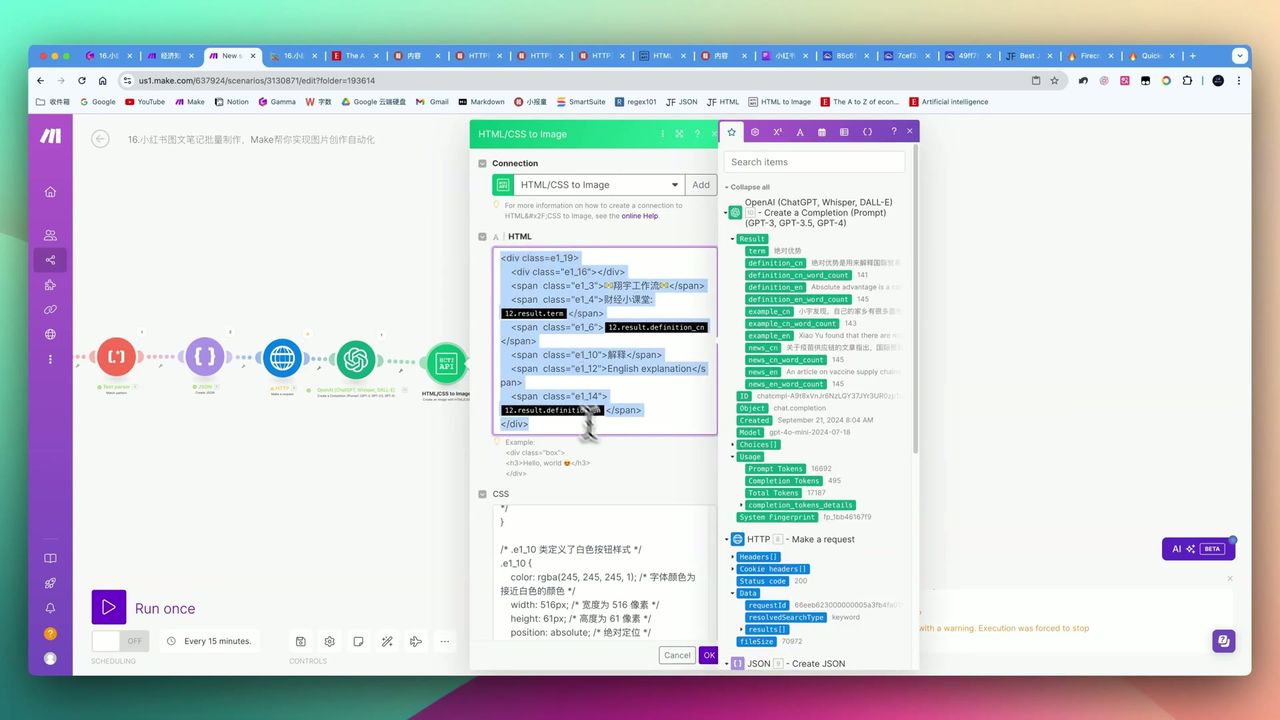 HCTI supports real-time preview and template customization
Use HTML to Image to render content into images:
Configuration Points:
- Image dimensions: 1240 x 1660 (Instagram/Pinterest standard)
- Supports custom HTML/CSS templates
- Rendering quality consistent with Chrome browser
Template Types:
- Financial knowledge cards
- Quote cards
- Finance list cards
- News digest cards
Stage 5: Storage and Archival
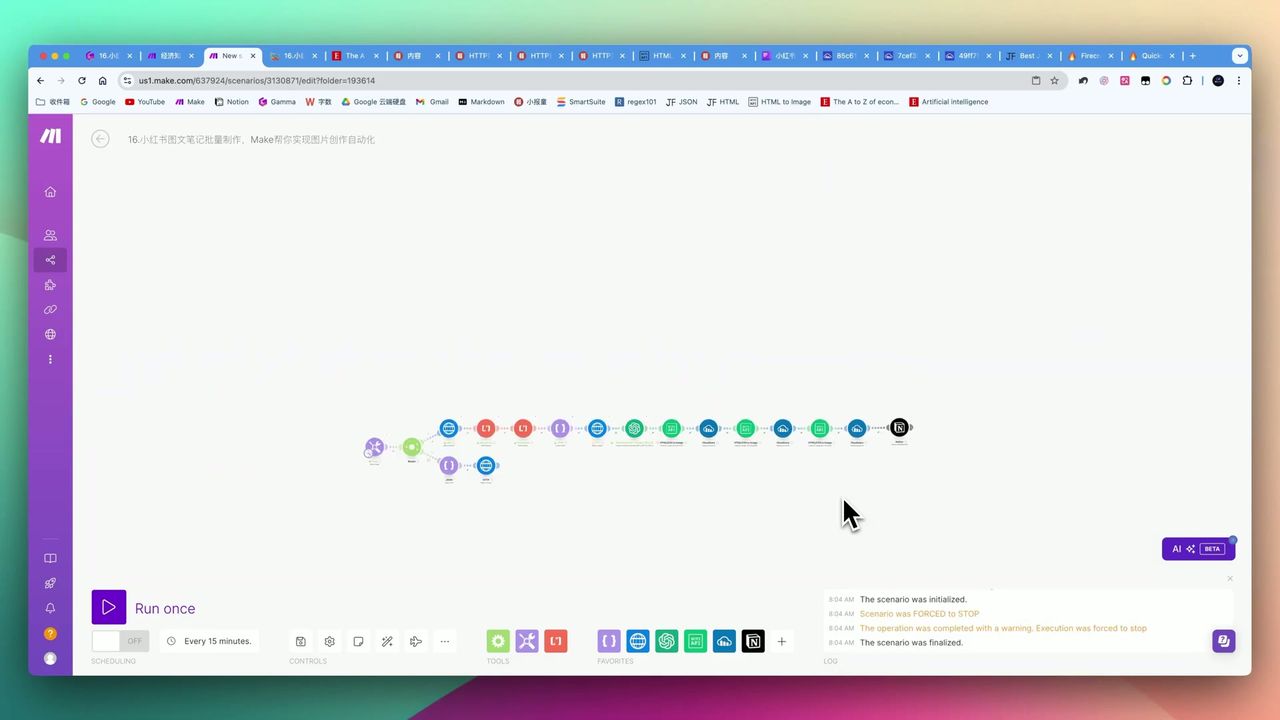 Images and posts auto-saved to Notion
Generated images need proper storage:
Cloudinary Image Hosting:
- 25GB free storage
- Permanent links won’t expire
- Supports image optimization and CDN
Notion Knowledge Base:
- Record metadata for each image
- Facilitate subsequent publishing management
- Support team collaboration
Pitfalls to Avoid
Common issues during implementation:
-
Character Overflow - AI-generated content too long causes text overflow in templates; must strictly limit characters in prompts
-
Image Link Expiration - HCTI-generated links may expire; recommend saving to Cloudinary
-
API Key Configuration - 401 Unauthorized errors typically from incorrect API Key configuration
-
Regular Expressions - Can ask ChatGPT for help if unfamiliar, but need clear requirement descriptions
-
Anti-Crawling Restrictions - Some websites have advanced anti-crawling; Firecrawl may not handle
-
Cost Control - Large-scale generation (like 1,500 images) requires evaluating API call costs
Use Cases
Recommended For
- Knowledge Sharing Creators - Standardized content creation in finance, health, emotional, education niches
- Content Marketing Teams - Need batch production of brand-consistent social media visuals
- Automation Enthusiasts - Want to explore complex workflows to boost productivity
May Not Suit
- Users pursuing highly personalized, non-standardized image design
- Unwilling to invest time learning workflow logic and API debugging
- Scenarios requiring breaking through complex anti-crawling mechanisms
FAQ
How many images can be generated at once?
Depends on data source scale. Single workflow can generate hundreds of images. If website has 500+ terms, theoretically can generate 1,500 images (3 per term).
Does HTML to Image have a free tier?
Yes, 50 free images monthly, sufficient for generating a dozen social posts (3 images each).
Do generated image links expire?
HCTI-generated image links may expire. Recommend saving to Cloudinary or personal image hosting for long-term availability.
How to prevent text overflow in image templates?
Strictly limit character count in ChatGPT prompts (recommend 135-150 characters), or add conditional filtering in workflow to filter overly long content.
Next Steps
After mastering the basic workflow, you can try:
- Add more image template styles
- Integrate social platform publishing APIs for auto-publishing
- Add A/B testing for different copy effectiveness
- Extend to other platforms (TikTok, YouTube community posts, etc.)
Feel free to leave comments with questions!
FAQ
- How many images can be generated at once?
- Depends on data source scale. Single workflow can generate hundreds of images. If website has 500+ terms, theoretically can generate 1,500 images (3 per term).
- Does HTML to Image have a free tier?
- Yes, 50 free images monthly, sufficient for generating a dozen social posts (3 images each).
- Do generated image links expire?
- HCTI-generated image links may expire. Recommend saving to Cloudinary or personal image hosting for long-term availability.
- How to prevent text overflow in image templates?
- Strictly limit character count in ChatGPT prompts (recommend 135-150 characters), or add conditional filtering in workflow to filter overly long content.
Start Building Your Automation Today
Join 500,000+ users automating their work with Make.com. No coding required, free to start.
Get Started FreeRelated Tutorials
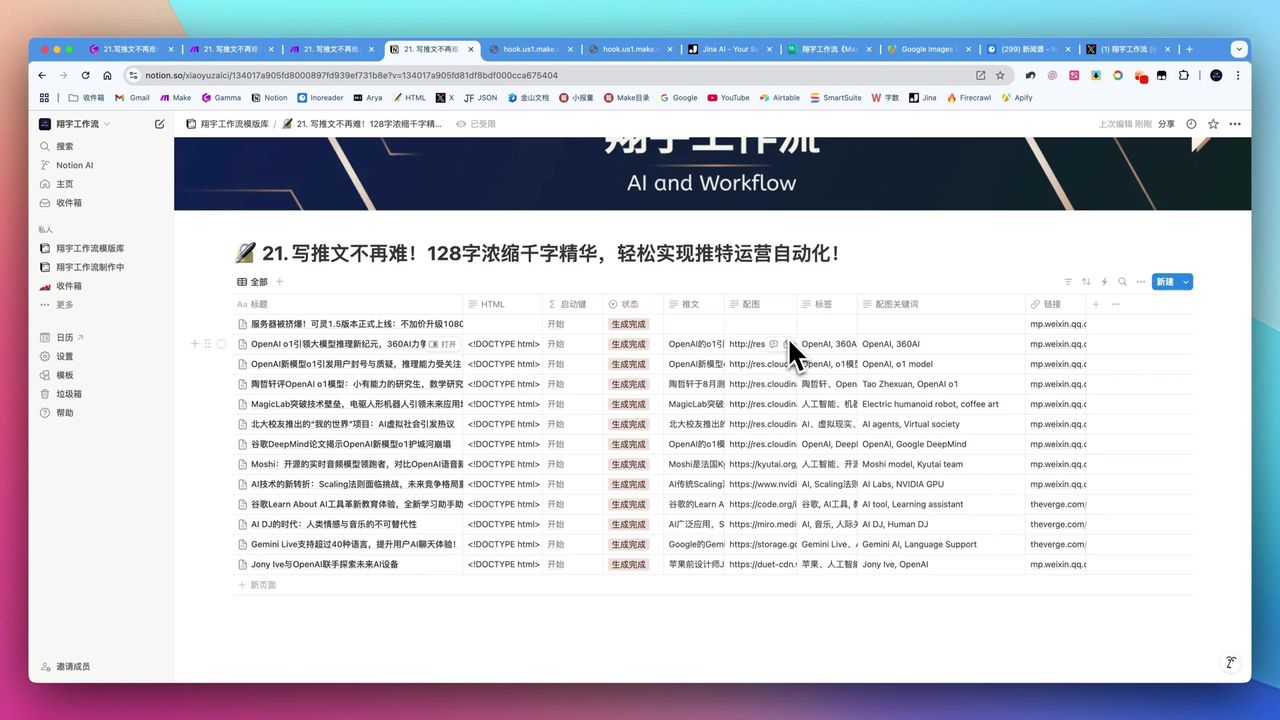
Automate Twitter Content with Make.com AI Refinement
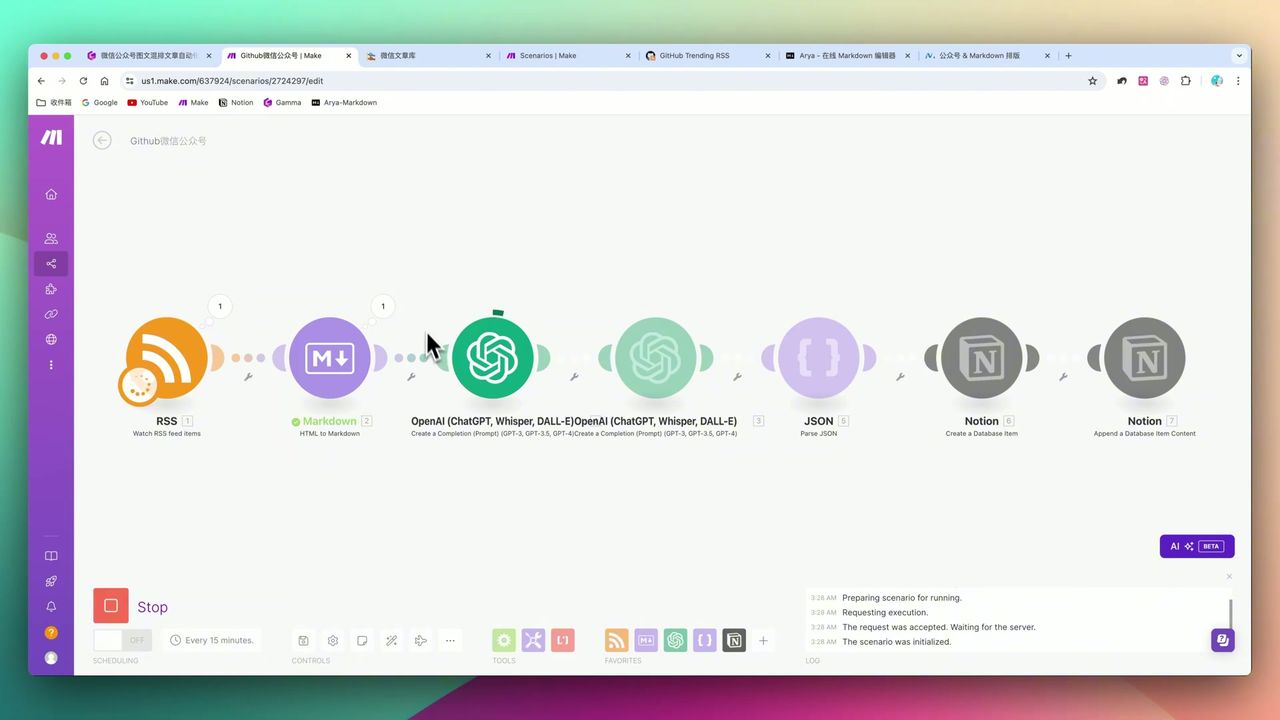
Make.com: Automate Content for WeChat & Social Platforms
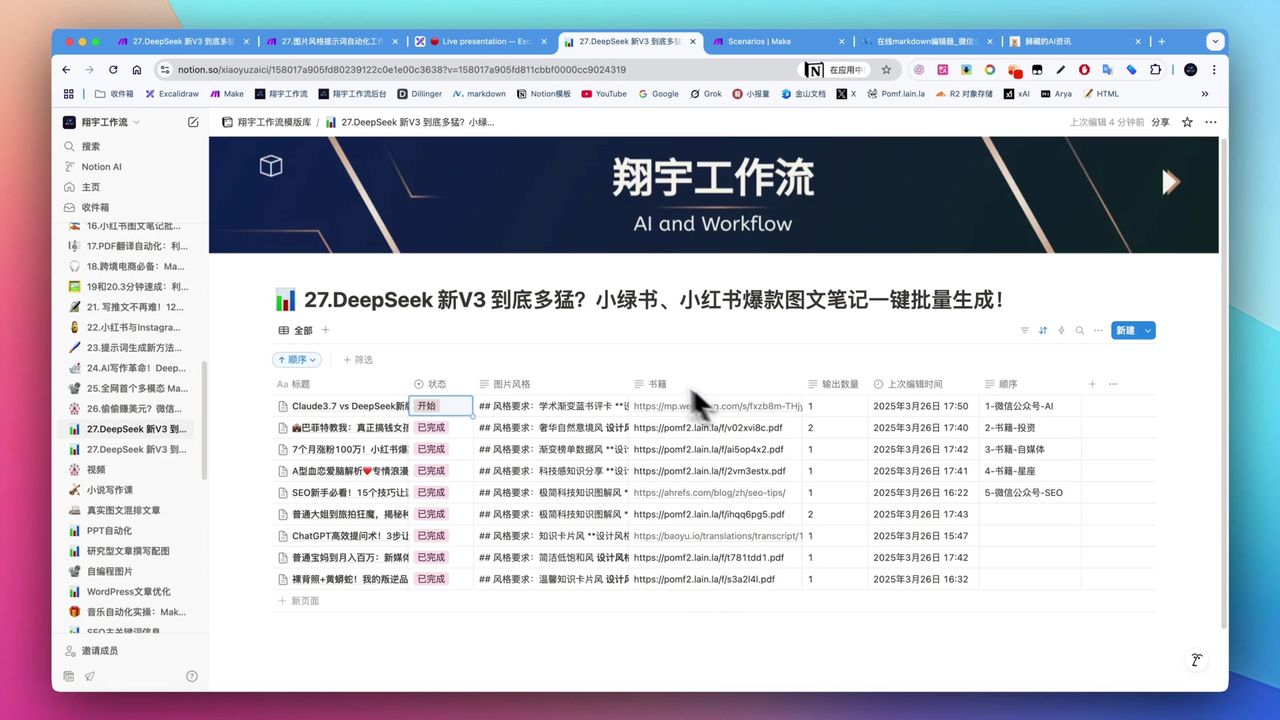
Create Viral Social Posts with DeepSeek V3 & Make.com
Auto-Generate YouTube Titles, Descriptions & Thumbnails
About the author
Alex Chen
Automation Expert & Technical Writer
Alex Chen is a certified Make.com expert with 5+ years of experience building enterprise automation solutions. Former software engineer at tech startups, now dedicated to helping businesses leverage AI and no-code tools for efficiency.
Credentials